
Wi-Fi Router Placement During Interiors: Access, Cables and Ventilation
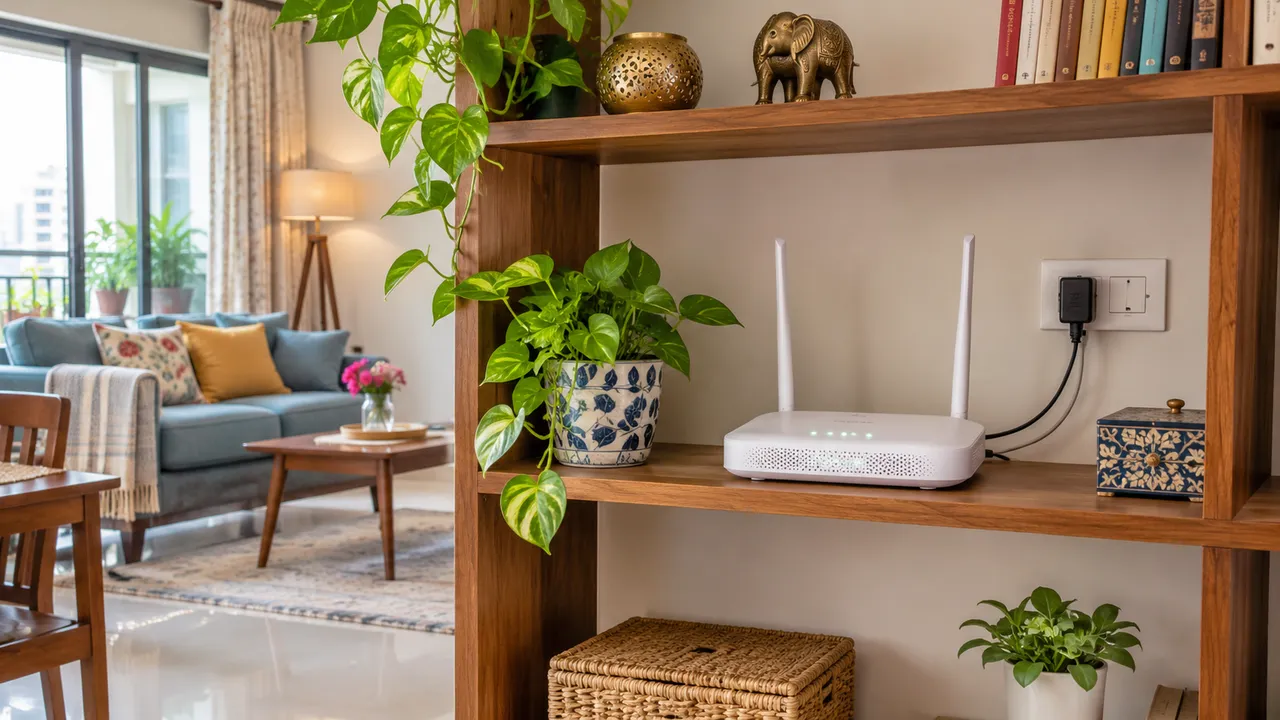
Plan a Wi-Fi router in an open, accessible location and test coverage before joinery fixes its position. Consider the internet entry point, power, cable route, device ventilation and the rooms where you actually connect. Follow manufacturer placement guidance; avoid treating a closed decorative cabinet as the default solution for hiding network equipment.
Before you start
- Collect: Router model, installation instructions, internet-provider requirements and a simple floor plan.
- Test: Use the same device and repeated everyday tasks at each proposed position.
- Separate needs: Router placement, provider connection faults and internet-plan limits are different issues.
1. Map use before choosing a shelf
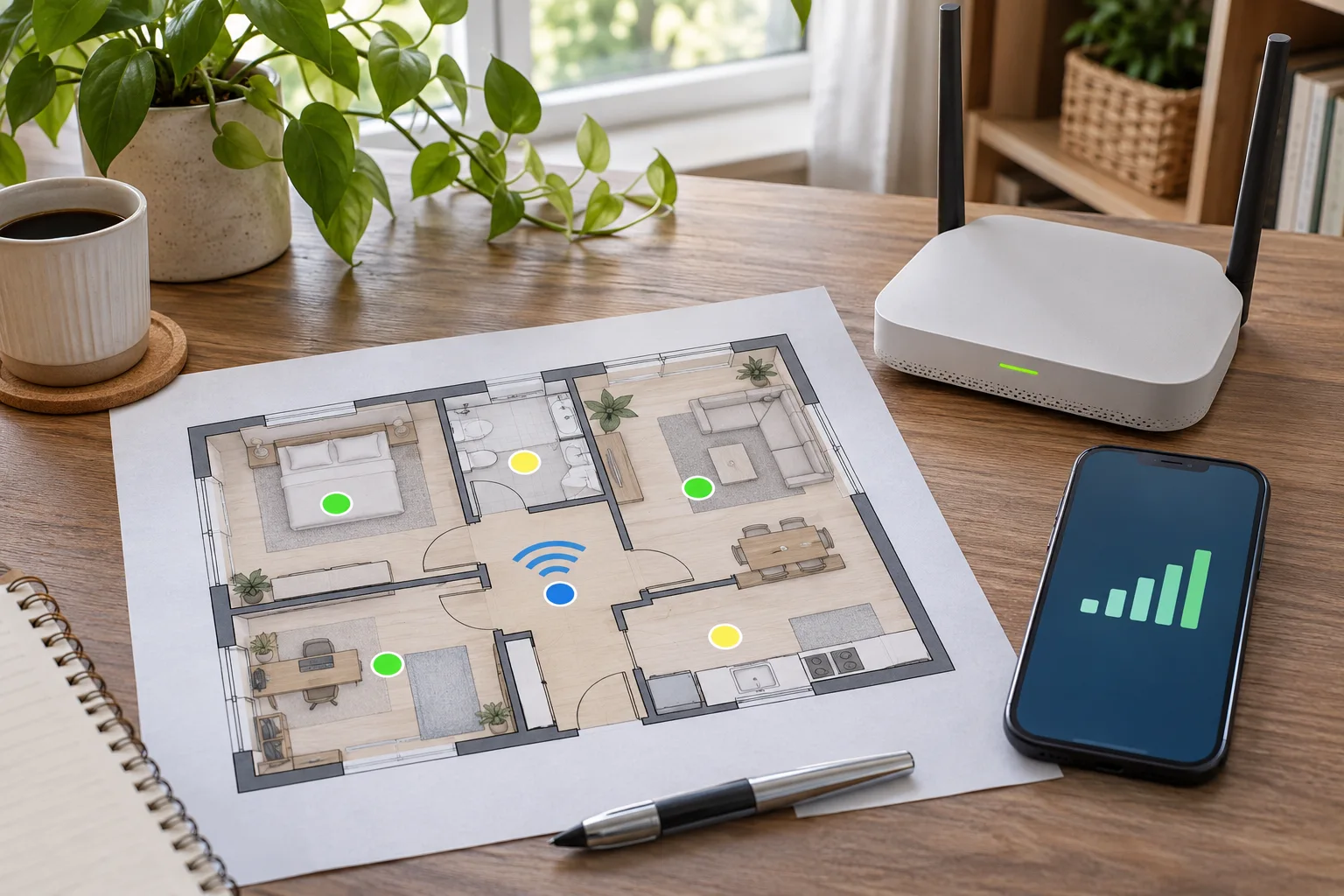
Mark desks, television positions, study areas and other locations where connection matters. Add the provider’s entry point and any equipment that must remain connected to it. Identify suitable power and possible cable routes. A central open position is a useful starting point in manufacturer guidance, but the building layout and actual equipment determine what is practical. Ask the provider which parts of the setup can be moved and how.
2. Keep equipment accessible and ventilated
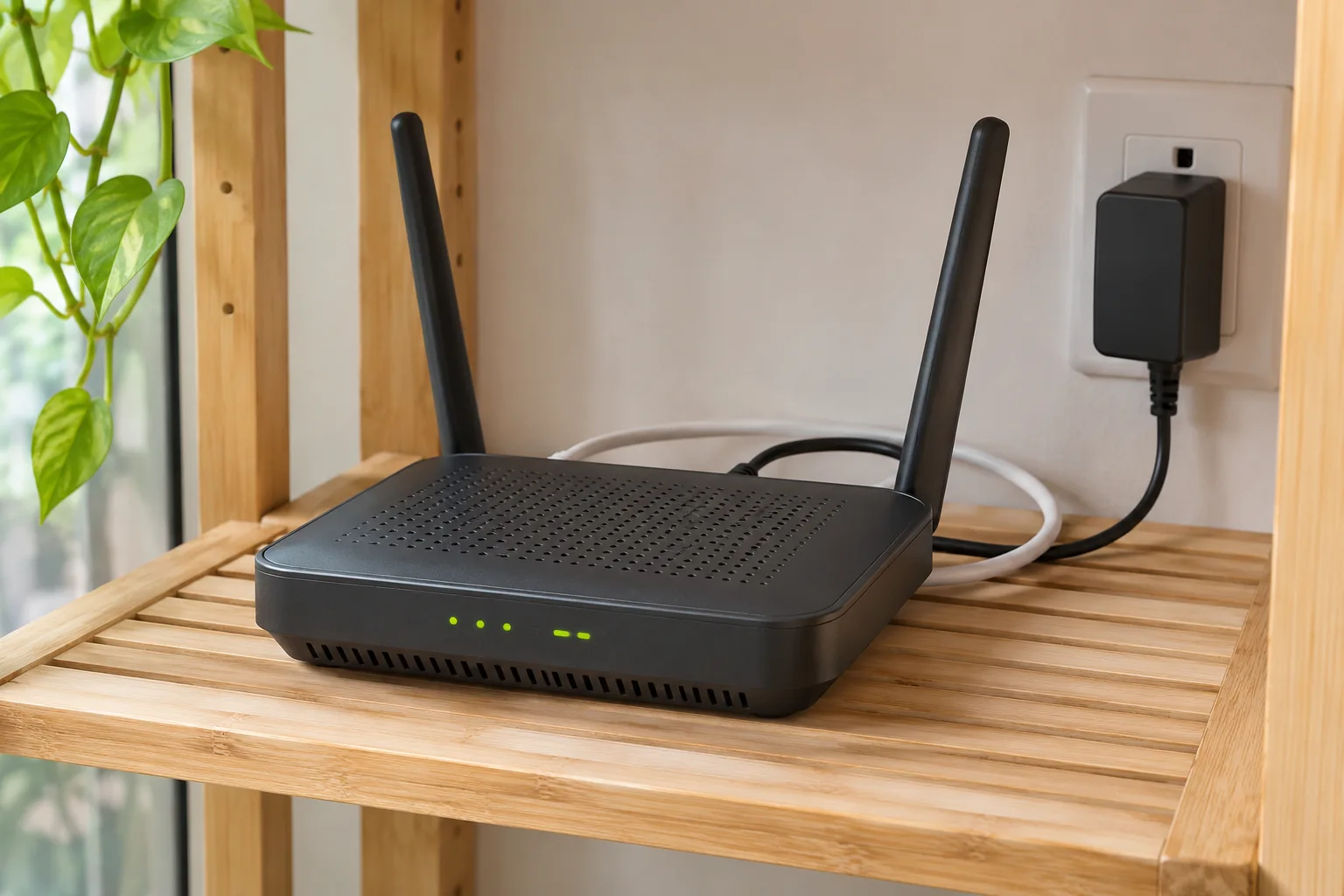
Check the model’s instructions for orientation, clearances and operating conditions. Avoid surrounding it with dense stored items or hiding it in a sealed joinery box. Keep it away from water and unsuitable heat exposure. Allow access to ports and power without dismantling a TV wall. A design that conceals all the equipment can make a routine restart, cable replacement or fault check unnecessarily difficult.
3. Test candidate positions before finalizing furniture
Use the same phone or laptop and repeat a relevant task in the rooms that matter. Compare results at similar times where practical, noting doors, equipment settings and other conditions. Record weak locations rather than judging from one signal icon beside the router. Manufacturer guidance supports open placement, but does not guarantee a particular speed in your home. Ask your provider or network installer to assess persistent gaps before buying more equipment.
4. Draw the cable route and service access
Show where the provider connection, power and any wired network links enter the furniture. Allow suitable bend and access conditions according to the cable and equipment instructions. Do not pinch leads behind a panel or bury connections that may need service. Ask a competent installer to coordinate cabling; fixed electrical changes need a qualified electrician. Separate the decorative furniture decision from the technical approval of the installation.
5. Check the finished room again
Repeat the basic room checks after furniture and equipment are in place. If the result differs, record what changed before adjusting settings or adding network devices. Keep the router model, provider contact and installation notes in your home records. Store passwords and account credentials securely, separately from shared contractor drawings. The handover should leave you able to find and service the equipment without exposing private network details.
A record you can use
| Planning check | Record before furniture approval |
|---|---|
| Use points | Rooms and tasks that need reliable connectivity |
| Provider entry | Connection point and equipment constraints |
| Position | Open location and model-specific requirements |
| Services | Power, cable routes and port access |
| Trial | Device used, location, task and observations |
| Handover | Model, provider contact and private credential storage |
Plan the next step with WallsToWonder
Keep this checklist with your project brief. The WallsToWonder quotation checker can help identify questions about scope and exclusions; your agreed documents and the actual product records define the work. Browse interior companies or designers when you need professional help implementing the plan.
Frequently asked questions
Can a router go inside a TV cabinet?
A closed cabinet can restrict airflow, access and wireless performance. Follow the model’s guidance and test the actual position; an open accessible location is a better starting point.
Is a central router always enough for every room?
No. Layout, materials, equipment and interference affect coverage. Test the rooms and discuss persistent gaps with your provider or network installer.
Should I buy a mesh system before interiors start?
First assess the actual coverage need and available connection routes. Choose equipment with your provider or installer after defining the problem, rather than assuming more devices are automatically necessary.
Where should I keep network passwords?
Use secure private storage. Keep shared installation documents focused on device locations and cable routes rather than distributing credentials.
Related practical guides
- The TV Wall Checklist: Details That Prevent Rework
- Shared Home Office Ideas for Gachibowli Apartments: Two Workstations Without a Spare Room
Sources and product guidance
Turn this idea into a plan for your home
Visualise your space, understand the likely budget, or find a professional who can bring the idea to life.