
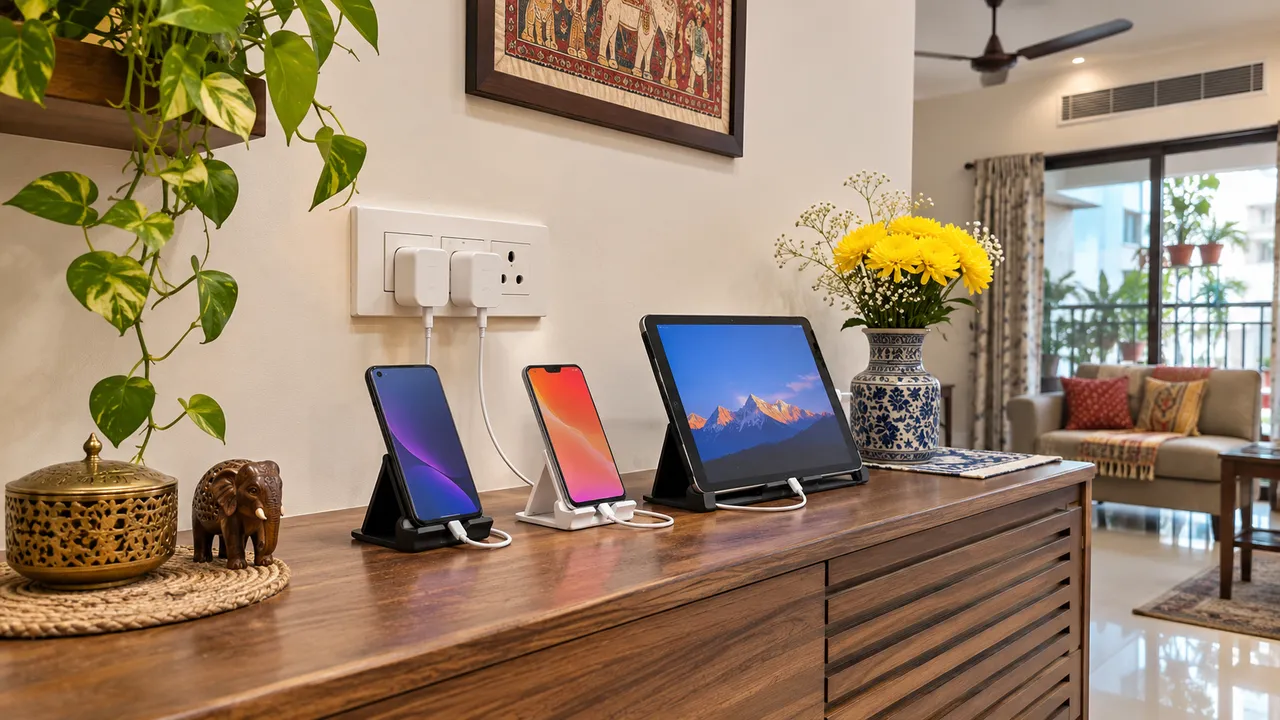
Family Charging Station Ideas Without Cable Clutter
Create a family charging station on an open, dry, stable surface with accessible sockets and space around devices and adapters. Count the devices used together, check their charging instructions and keep cables out of walkways. Separate the charging area from keys, liquids and soft furnishings, then test the arrangement before adding custom furniture.
Before you start
- Gather: Your actual phones, tablets, manufacturer-approved chargers, a measuring tape and removable cable ties.
- Scope: This guide covers small household devices; it does not design charging for mobility batteries or vehicles.
- Budget approach: Try an existing suitable surface before buying a console or ordering joinery.
1. Count simultaneous use rather than every cable
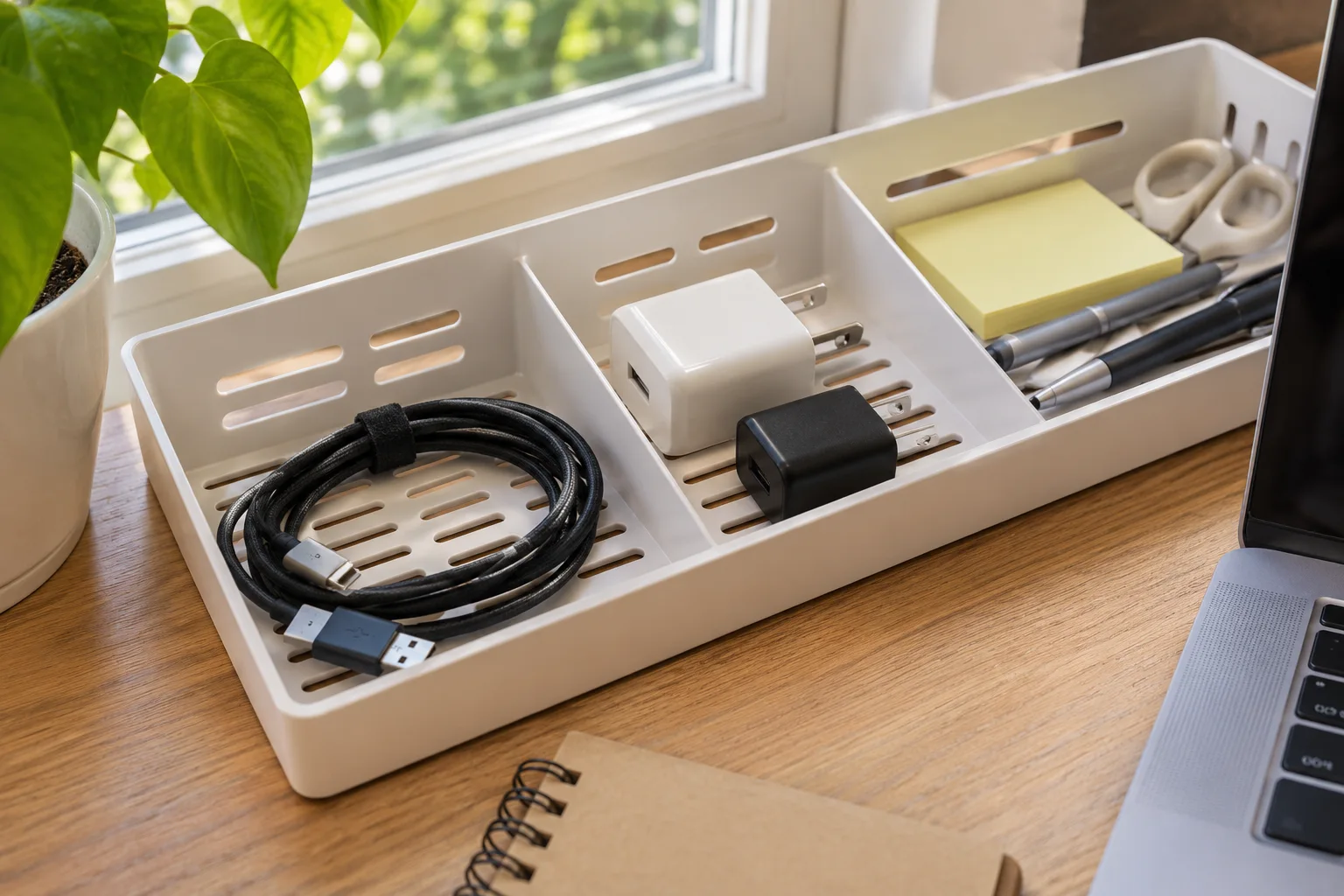
List the devices that genuinely charge at the same time. Separate daily phones and tablets from occasional devices and spare leads. Check which adapters and cables belong to each product using its manufacturer instructions. A tray full of unrelated spare cables creates visual order without solving daily use. Start with the active set and store disconnected spares separately, where they cannot fall behind furniture.
2. Choose an open landing surface
Compare an existing console, desk edge or open shelf near suitable power access. Devices should sit securely without balancing on an edge. Keep the location away from sinks, drinks, curtains and bedding, and preserve the route through the room. Avoid closing actively charging equipment into a drawer or a decorative box. Check each device and adapter instruction for ventilation and operating conditions before deciding the final arrangement.
3. Route cables so plugs remain accessible
Use gentle removable ties or clips that do not pinch cables. Leave enough slack to connect a device without pulling the adapter from the socket. Keep leads away from chair wheels, door hinges and drawer runners. Do not daisy-chain extension boards or treat a joinery compartment as electrical capacity. If new outlets or fixed wiring are needed, have a qualified electrician assess the installation and intended load.
4. Divide charging from storage
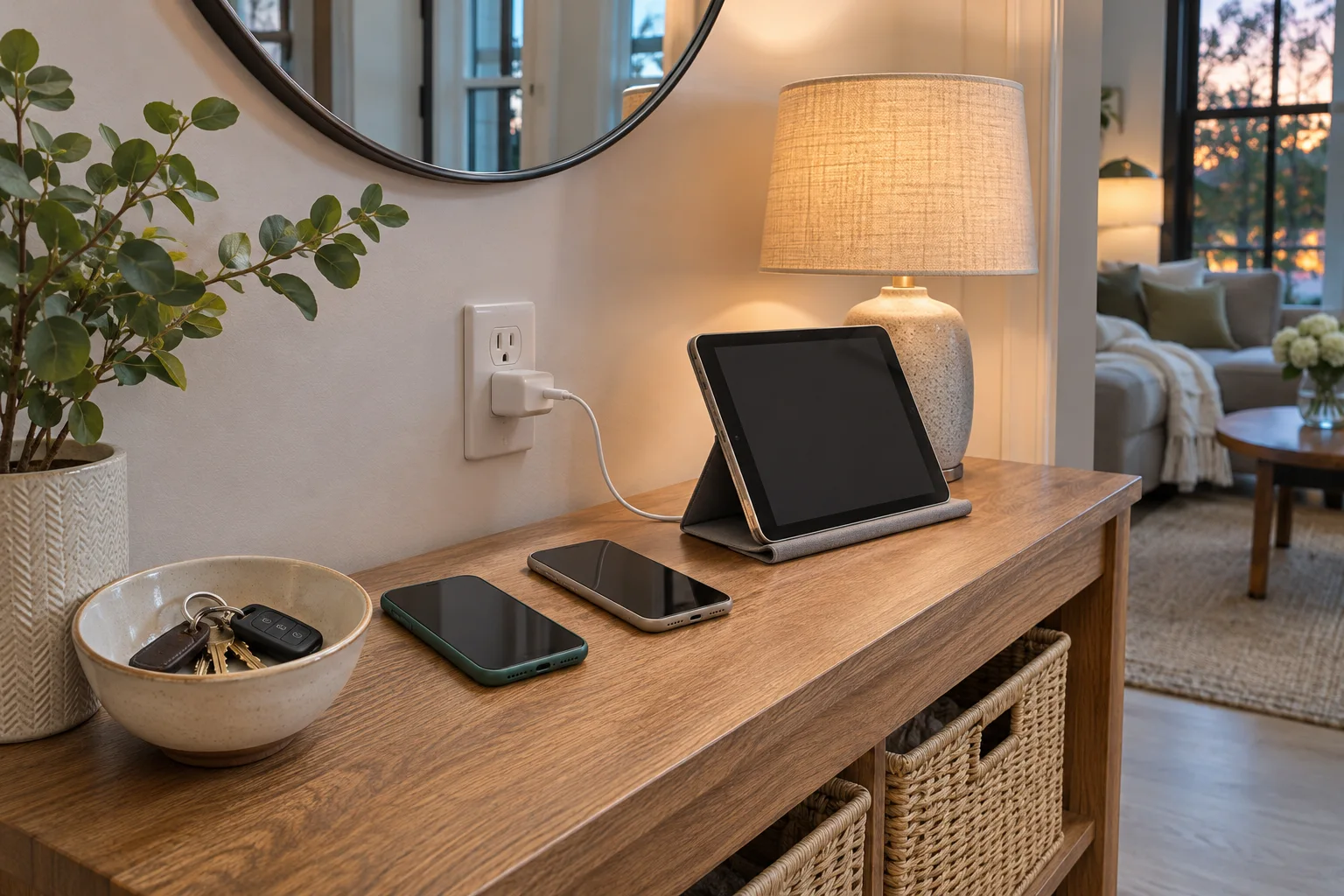
An open stand can keep a phone easy to see while a separate bowl holds keys. Store disconnected spare cables in a labelled pouch, not piled around warm adapters. Use equipment compatible with the device and follow its charging instructions. Stop using damaged cables or a device that is swollen, unusually hot or otherwise behaving abnormally; follow manufacturer and local emergency guidance rather than trying to conceal the problem.
5. Test a normal evening before building anything
Set up the proposed position temporarily on a suitable surface and use it while you are awake and present. Check that everyone can connect their own device, sockets are reachable and cables stay clear of the walkway. Public fire-safety guidance recommends a hard, stable charging surface and avoiding unattended charging. A successful design makes that routine easy, rather than relying on a hidden charging drawer that looks neat only when shut.
Compare the practical options
| Zone | Put here | Keep separate |
|---|---|---|
| Open charging surface | Compatible devices and adapters in use | Liquids, fabric and disconnected spare leads |
| Spare-cable pouch | Identified disconnected cables | Active charging equipment |
| Key bowl | Keys and small daily items | Device ventilation and power access |
Plan the next step with WallsToWonder
Use Design My Room to explore how the proposed storage or workspace might look. Verify the actual measurements, product requirements and fit before buying. If custom work is needed, use the interior cost estimator to organise an initial scope, then ask a suitable professional for a measured proposal.
Frequently asked questions
Can I charge phones inside a closed drawer?
An open arrangement makes ventilation and observation easier. Follow the device and charger instructions; do not enclose active equipment simply to hide cables.
Can I put a charging station beside the bed?
Only use a stable suitable hard surface, clear of bedding and soft furnishings, with appropriate power access. Follow manufacturer guidance and avoid unattended charging.
Should I buy a multi-device charger?
Check compatibility, power requirements and the manufacturer’s instructions for every device. The furniture layout alone cannot establish whether a charger is suitable.
Who should install extra sockets?
A qualified electrician should assess and carry out fixed electrical work. Agree on outlet access before the furniture is finalized.
Related practical guides
Sources and product guidance
Turn this idea into a plan for your home
Visualise your space, understand the likely budget, or find a professional who can bring the idea to life.