
Your Interior Maintenance Folder: Warranties, Specifications and Service Contacts
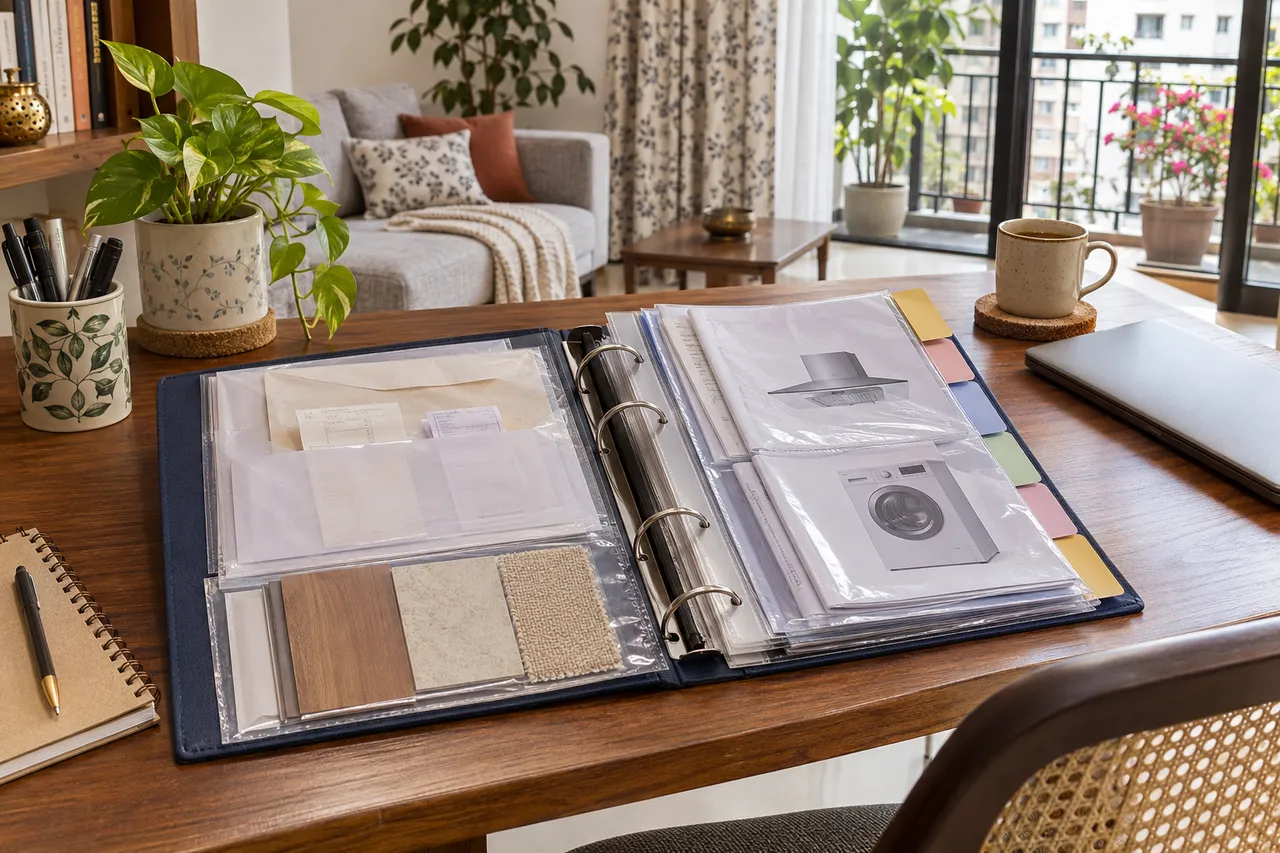
Create an interior maintenance folder that connects each installed item to its specification, invoice, warranty, care instructions and service contact. Organise it by room and item, with a digital backup and clear document dates. Request missing records at handover and keep private credentials separate so future repairs do not depend on finding an old chat.
Before you start
- Collect: Invoices, approved specifications, final drawings, product manuals, warranties and relevant handover records.
- Format: Use a digital folder plus a simple physical index if paper originals are needed.
- Scope: This folder helps retrieval; it does not replace required professional inspection or product servicing.
1. Give each item an identifier
Start with rooms and major installed items: kitchen cabinets, wardrobe, countertop, lighting and appliances as relevant. Give repeated items clear names such as bedroom-one wardrobe instead of several files called final. The identifier should appear on your index and in the file names. Record brand, model, finish code and installer where applicable. Do not infer a material specification from a photograph when the actual product record can be requested.
2. Connect the documents rather than collecting a pile
For each item, link its agreed specification, purchase or installation invoice, warranty and care instructions. Note whether the warranty is from a manufacturer, supplier or installer and what document is needed to claim it. Read the actual terms for coverage, exclusions, start date and servicing conditions instead of assuming one warranty covers every component. Keep proof of registration when the product requires registration.
3. Keep final information clearly separated
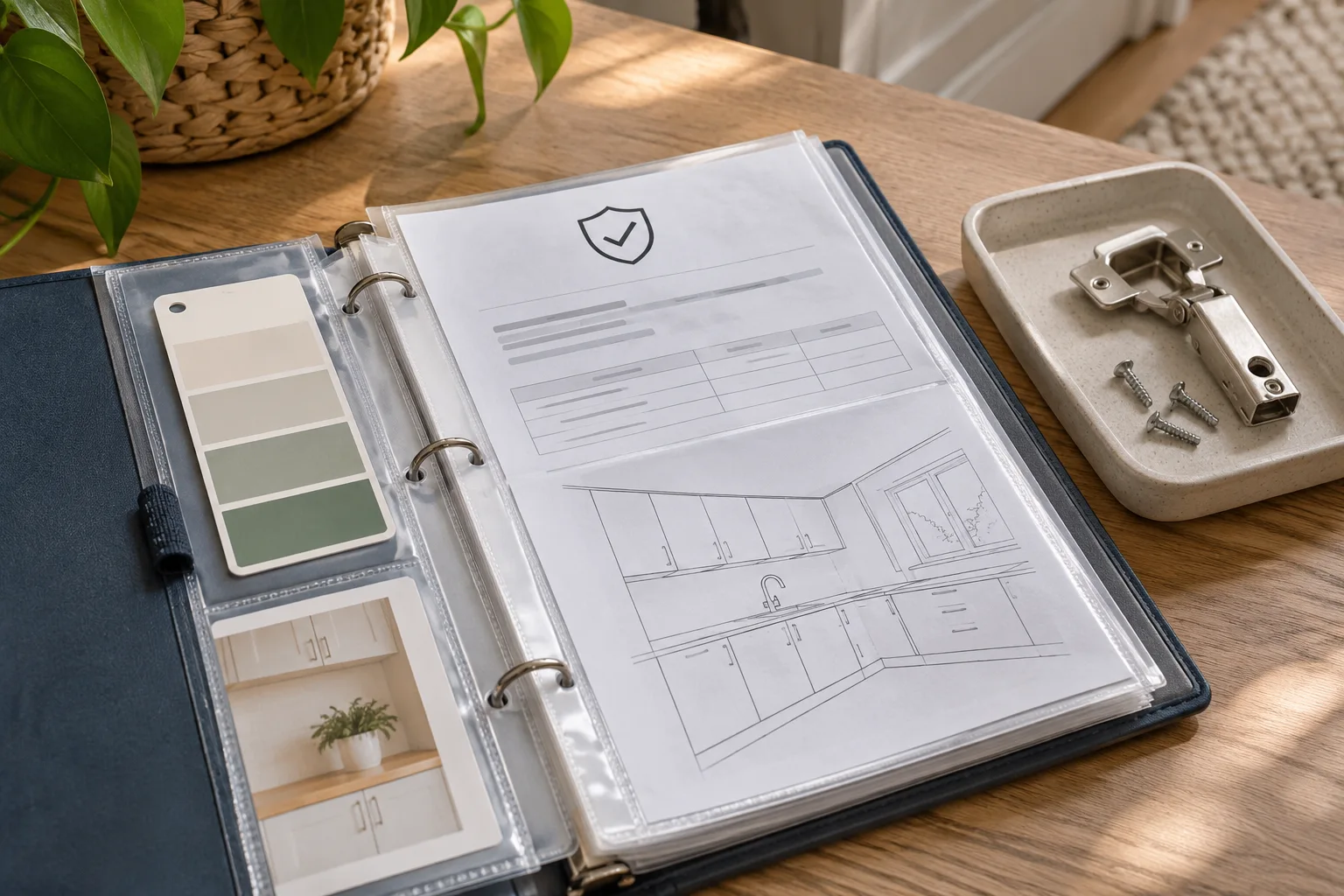
Create an archive for superseded drawings and an obvious folder for final issued records. Check dates and revisions with the responsible provider at handover. Mark unknown information as missing rather than copying an early concept drawing into a final-services folder. For concealed work, retain any available installation photographs with location and date, while recognizing that they do not automatically establish the precise route or condition of hidden services.
4. Build a contact and maintenance index
Record the company, service role, public service contact, relevant item and claim process. Add manufacturer-prescribed care or service intervals where applicable, using the product instructions rather than invented schedules. Distinguish daily cleaning guidance from professional servicing. Keep account passwords, private identity documents and access codes out of a shared contractor folder. Provide only the records needed when asking someone to assess a repair.

5. Run a retrieval test
Imagine a hinge needs replacing or a countertop stain needs advice. Can you identify the installed product, find its care instructions and locate the appropriate contact without searching months of messages? Try the process for two items. Back up the digital folder, keep any required originals in a dry place and update the record after replacements. A folder is complete enough to use when its gaps are visible and its contents can be retrieved.
A record you can use
| Folder section | Keep connected |
|---|---|
| Index | Room, item, model, document links and missing fields |
| Product records | Approved specification and purchase reference |
| Warranty | Issuer, terms, proof and claim contact |
| Final drawings | Date, revision and responsible provider |
| Care and service | Actual product instructions and service records |
| Archive | Superseded records kept separate from current ones |
Plan the next step with WallsToWonder
Keep this checklist with your project brief. The WallsToWonder quotation checker can help identify questions about scope and exclusions; your agreed documents and the actual product records define the work. Browse interior companies or designers when you need professional help implementing the plan.
Frequently asked questions
Should I keep paper warranties after scanning?
Check the warranty and claim requirements. Keep originals where needed and use scans as convenient backups, with readable dates, references and supplier details.
What if the installer never supplied a product code?
Request the specification or purchase record from the responsible provider. Mark the field unknown until verified; a visually similar online product is not reliable identification.
Can one folder cover the whole home?
Yes. Use room and item subfolders plus a central index so documents remain connected without mixing unrelated revisions or warranties.
Should the folder include electrical test records?
Keep relevant records supplied by qualified professionals and make their scope and date clear. File storage does not replace any required inspection or verification.
Related practical guides
Turn this idea into a plan for your home
Visualise your space, understand the likely budget, or find a professional who can bring the idea to life.