
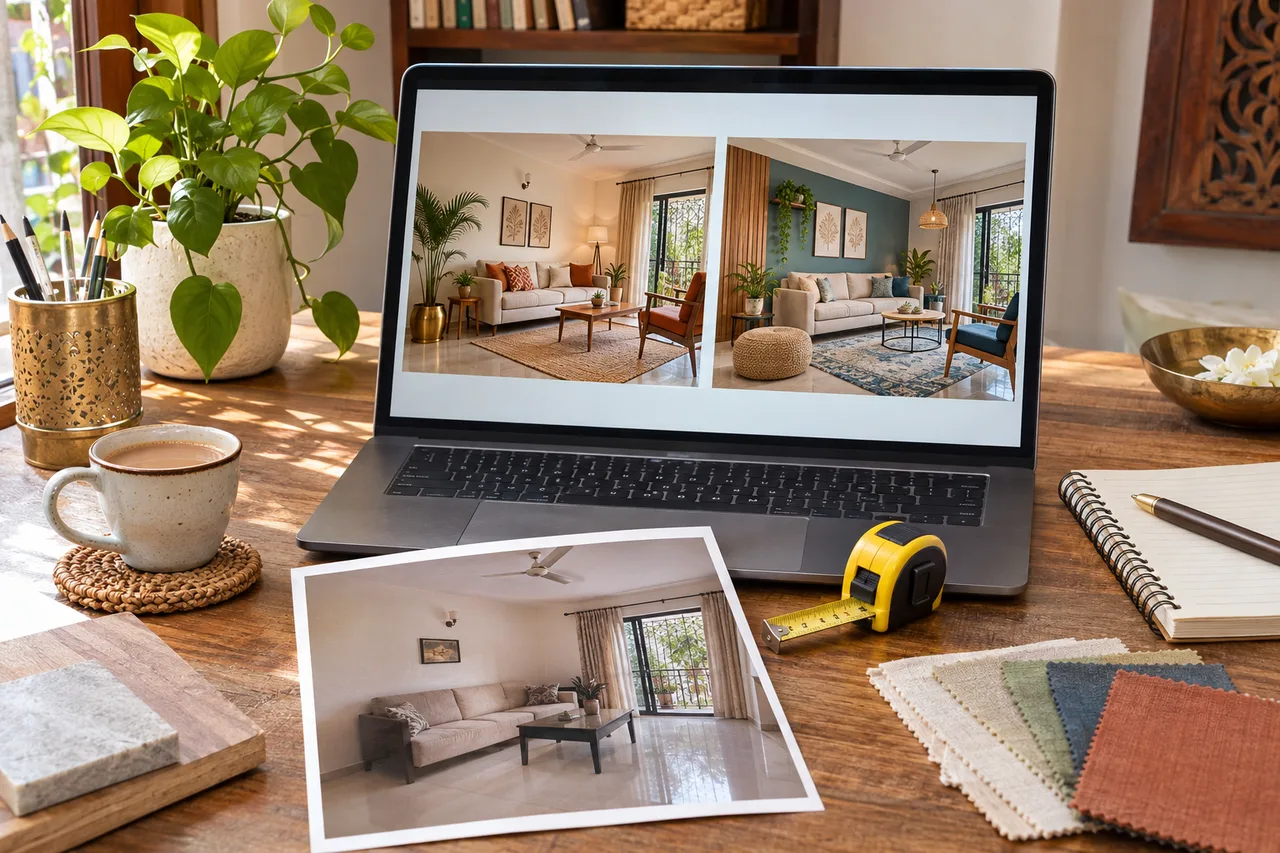
Interior AI Prompts: 6 Tests to Keep a Room Concept Useful
This is a practical prompt-and-review workflow, not a comparison of AI products. It helps you turn generated images into a clearer brief. Results can vary even with the same prompt, and wording cannot guarantee that the system will preserve every architectural detail.
Prepare the source material
Materials: clear room photo, retained-furniture list, simple measurements and a note of what must remain. Prep time: allow 30–45 minutes to gather and write the brief; generation and review add variable time. Planning spend: ₹0 to prepare your own brief. Check the tool’s current account, generation, export and paid-plan requirements separately.
Remove personal documents from the image before uploading and review the provider’s current storage and privacy options. Use a photo that honestly shows the room, rather than expecting a dark cropped shot to reveal dimensions that are not visible.
Test 1: Retain the furniture you own
Prompt: “Suggest a living-room concept around the existing beige sofa and wood cabinet. Keep the visible door and window positions. Change only soft furnishings and wall colour.”
Review: compare the sofa size, legs and shape with the original. If the model replaces it, record that failure; do not assume the image now represents a low-cost makeover.
Test 2: Change one colour decision
Prompt: “Explore muted green on the main wall, with the existing flooring and furniture retained. Keep the other surfaces restrained.”
Review: check whether the floor, curtains or lighting also changed. Use real paint samples later; generated colours are not product shade matches.
Test 3: State a storage priority
Prompt: “Explore a concept with concealed storage for everyday books and games. Keep access to the visible door and avoid adding a large display wall.”
Review: draw the proposed storage onto a measured sketch. Confirm drawer movement, depth and service access with a professional before ordering.
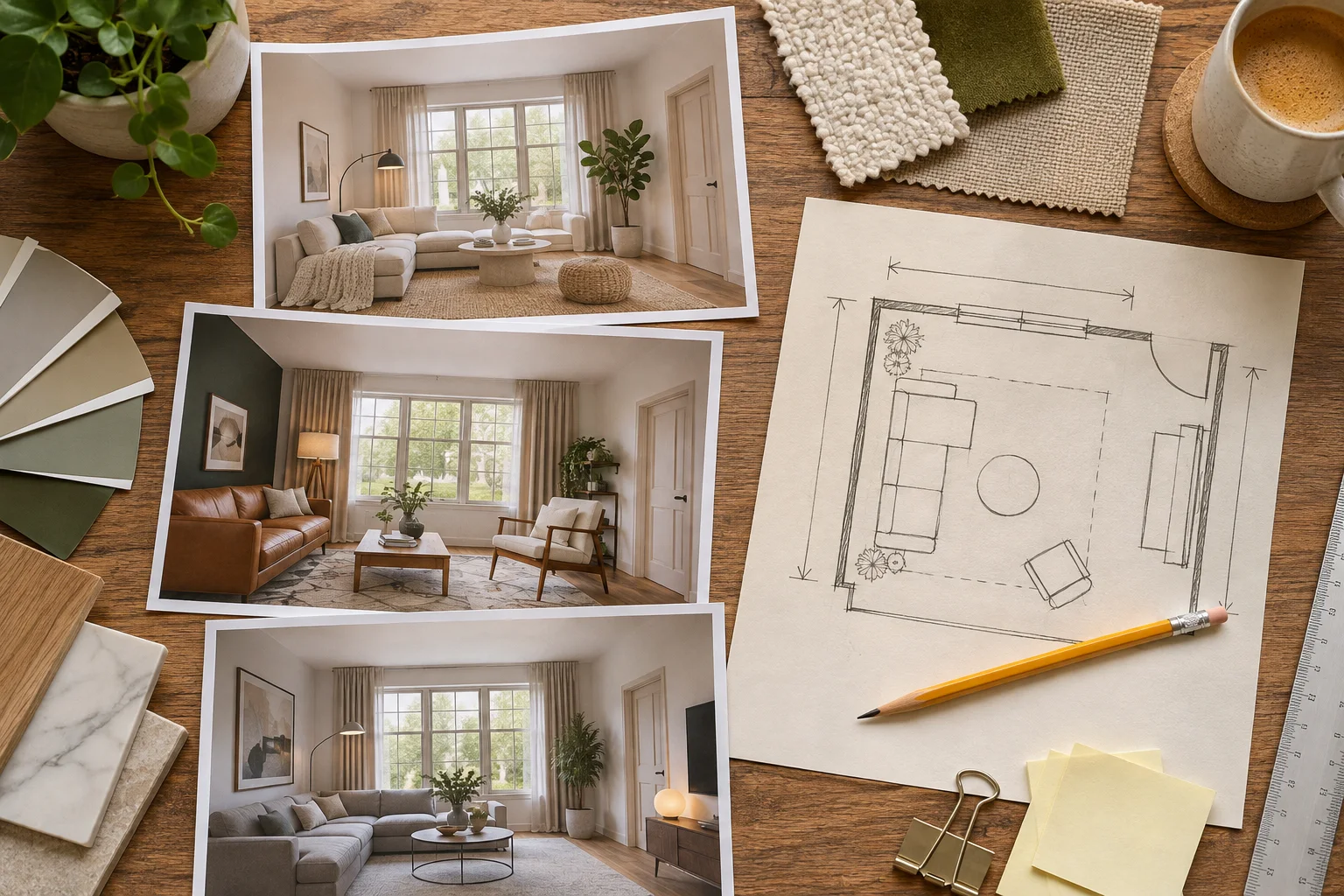
Test 4: Compare two style directions
Prompt: “Use the same room and retained pieces to explore a warm minimal direction.” Then try a separately generated contemporary Indian direction.
Review: compare materials and overall mood rather than declaring one output a precise before-and-after prediction. Record the specific features you prefer in each.
Test 5: Explore a lighting mood
Prompt: “Suggest a comfortable evening mood with a shaded lamp and restrained accent lighting, keeping the room layout.”
Review: note the suggested locations, then ask an appropriate professional about actual product, power and installation requirements. The image cannot measure illumination or verify electrical safety.
Test 6: Add a realistic constraint
Prompt: “Explore reversible decor changes only; no new fixed cabinetry, removed walls or changed openings.”
Review: list every visible change that breaks the constraint. A prompt is a request, not a guarantee. Reject infeasible elements rather than passing them to an installer as approved work.
Turn the result into a decision sheet
| Keep | Check | Reject |
|---|---|---|
| Preferred colour and material direction | Actual samples, sizes and product availability | Changed openings or impossible proportions |
| Useful storage intention | Measured fit and drawer access | Blocked routes and services |
| Desired lighting mood | Real fittings and installation plan | Assumed performance from an image |
Try the workflow with WallsToWonder Design My Room. If your larger question is style preference, the Interior Style Finder can help narrow the brief before you generate more images. Share the source photo, preferred concept and unresolved questions together.
Before choosing a platform, review the free online 3D design checklist for account, export and measured-plan questions.
Frequently asked questions
Can a prompt guarantee that AI keeps my doors and windows?
No. Ask for the constraint, then verify the output against the original image. Note any changed or missing openings before using the concept.
Should I include a budget in an interior AI prompt?
You can state a spending priority or restriction, but an image does not verify product prices, quantities or installation costs. Build a separate actual-cost worksheet.
What should I give a designer after using AI?
Share the source photo, measurements, retained items, preferred images and a list of the elements that need feasibility, specification or cost checks.
Turn this idea into a plan for your home
Visualise your space, understand the likely budget, or find a professional who can bring the idea to life.