
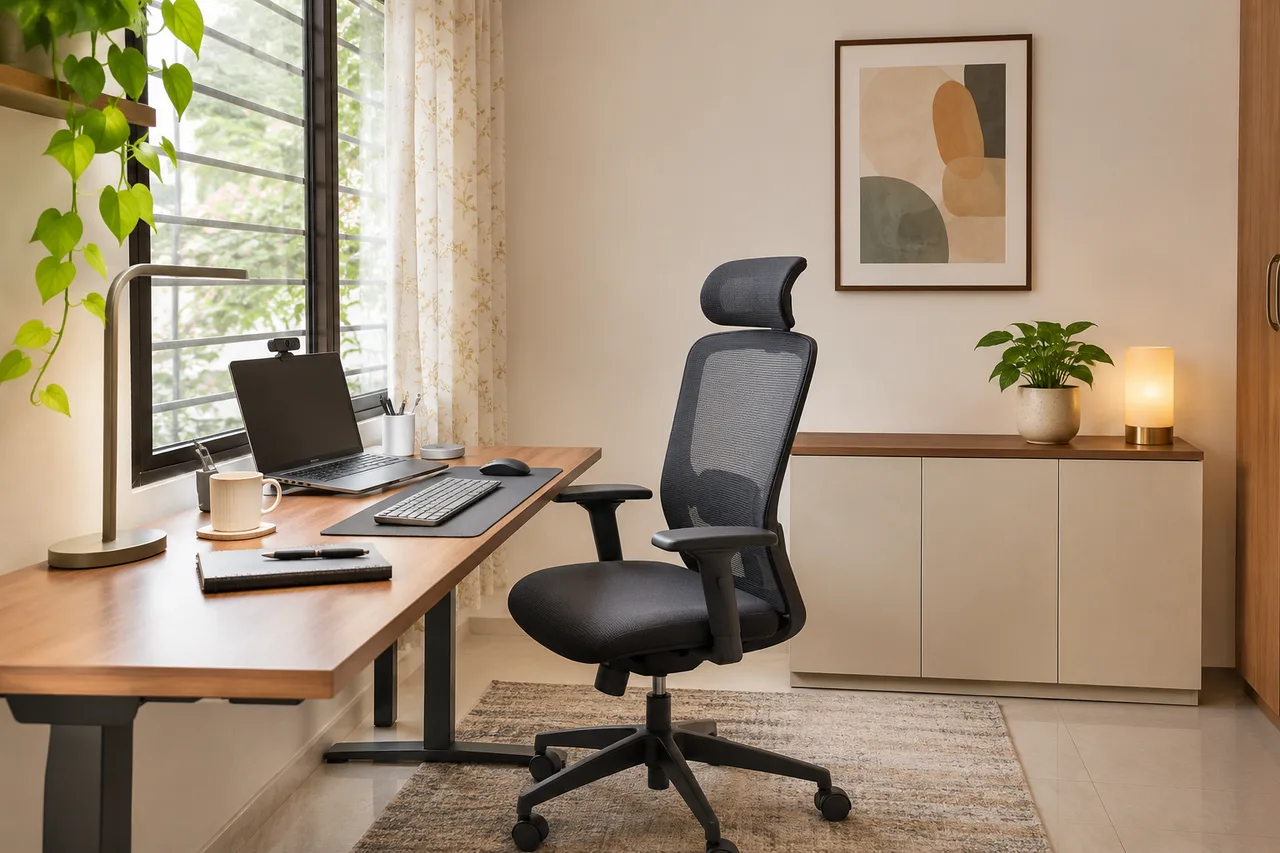
5 Office Interior Design Ideas for a Better Video-Call Background
These office interior design ideas work for a home workstation or a small shared office where the layout allows them. They focus on the frame visible during calls, not an expensive fit-out. Check office rules before moving shared furniture, adding lights or putting anything on a wall.
Budget figures below are illustrative small-item spending allowances, not surveyed retail prices or installation quotes. Reuse items where possible. Prep estimates assume materials are ready and exclude delivery, drying, fabrication and professional work. Check actual prices and product suitability before buying.
Start with the actual camera frame
Open a private camera preview at the device height you normally use. Sit in your working position and check the background edges, reflections and visible documents. Keep household or client information out of the frame. Adjust the desk or camera first; decoration comes later.
1. Use a plain-wall background
Materials: Existing wall, stable device support if needed. Planning allowance: ₹0–₹1,000. Hands-on prep: 20–30 minutes.
- Position the camera so the plain wall sits behind the chair.
- Move personal documents and distracting objects outside the frame.
- Check your normal seated posture rather than leaning forward for the test.
Check before keeping it: Avoid blocking a doorway or placing the chair where another person must squeeze past during calls.
2. Make one low storage unit do the work
Materials: Existing closed cabinet, one plant or simple object. Planning allowance: ₹0–₹1,500. Hands-on prep: 25–40 minutes.
- Choose a cabinet already useful for work storage.
- Keep the top mostly clear, with one low accent outside your head outline.
- Close the doors and test reflections from the camera position.
Check before keeping it: Do not crowd the unit just to fill the frame. Verify furniture stability and any required fixing.
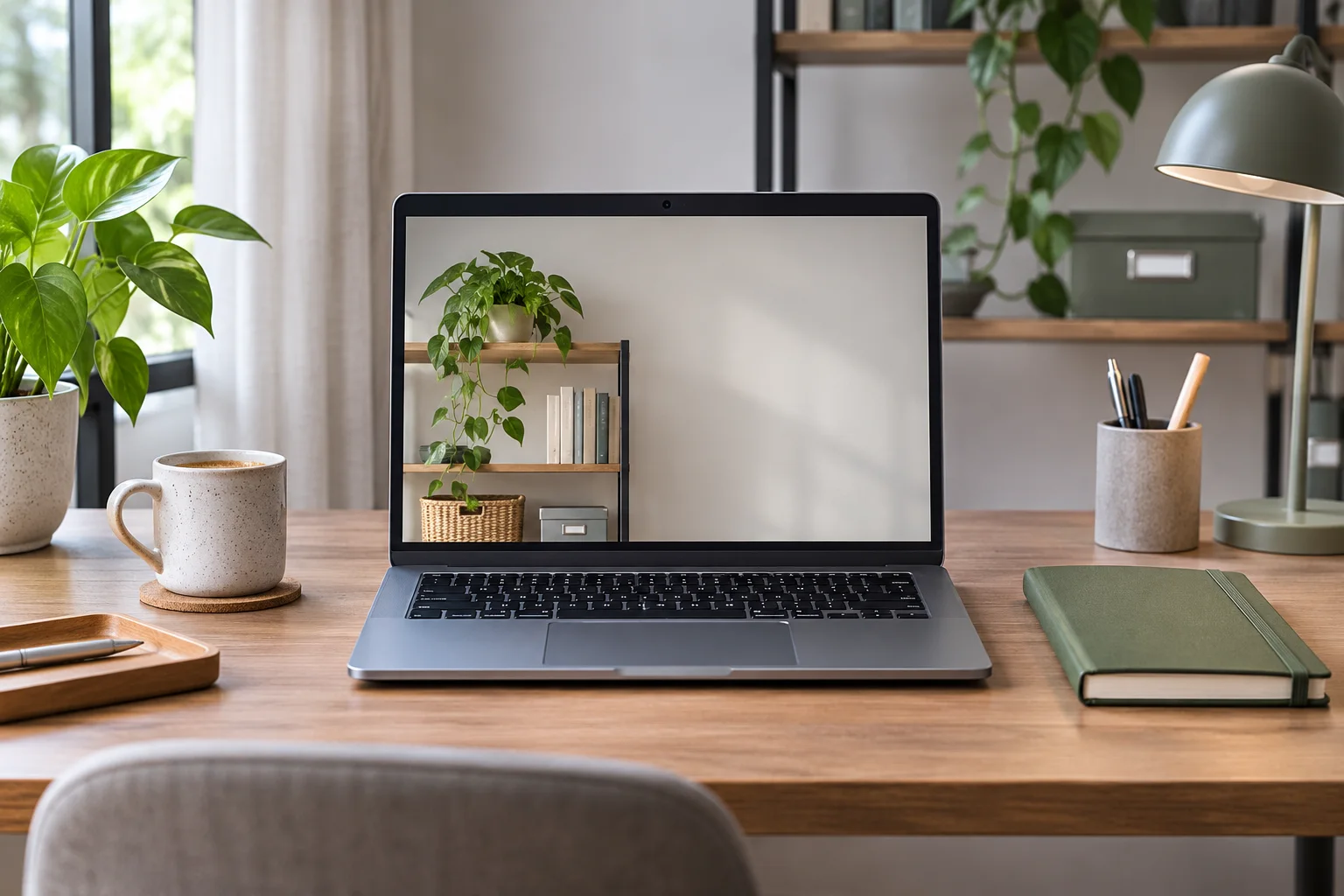
3. Simplify an existing open shelf
Materials: Storage boxes that fit and existing books. Planning allowance: ₹300–₹1,500. Hands-on prep: 30–45 minutes.
- Remove confidential papers and visually busy packaging.
- Group remaining books and use a suitable box for loose supplies.
- Leave some open space and test the shelf from the camera.
Check before keeping it: The shelf must remain accessible and stable; decorative styling is not a substitute for proper installation.
4. Put a movable screen to work
Materials: A stable screen appropriate to the room. Planning allowance: ₹1,500–₹5,000. Hands-on prep: 20–35 minutes.
- Measure the available floor area with the chair in use.
- Position the screen behind the chair without obstructing access.
- Check its stability and the camera crop before retaining it.
Check before keeping it: Do not place a freestanding screen where it can tip into the chair or narrow the only route. Skip it if the room cannot accommodate it.
5. Improve an existing lamp position
Materials: Suitable existing shaded lamp and reachable controls. Planning allowance: ₹0–₹1,500. Hands-on prep: 20–30 minutes.
- Test soft front-side illumination without shining a bright source into your eyes.
- Check the screen and glasses for reflections.
- Leave work and decorative lighting independently controllable where possible.
Check before keeping it: Keep cables away from chair wheels and circulation; follow the lamp instructions rather than improvising a fixing.
Review before spending
Record a short test or use a preview at the time of day you usually take calls. Watch for a bright window behind your head, a cluttered shelf and exposed documents. Use camera background blur if it works for your needs, but do not rely on it as a privacy guarantee.
WallsToWonder Design My Room can suggest an overall visual direction from a room photo. The useful test for this project remains the actual camera view; an AI room concept does not simulate your webcam, acoustics or lighting performance.
For workstation needs beyond the camera frame, see these home office interior ideas.
Frequently asked questions
What is the cheapest way to improve a video-call background?
Start by moving clutter and adjusting the camera against an existing plain wall. Spend only after a real preview shows what the frame still needs.
Should a window be behind me on calls?
Test the exposure in your actual camera preview. A bright window behind the chair can make the face hard to see; soft front-side daylight may be easier to work with.
Will a room-design AI test my webcam background?
No. It can suggest styling, but you need the actual device preview to check framing, light, reflections and visible personal information.
Turn this idea into a plan for your home
Visualise your space, understand the likely budget, or find a professional who can bring the idea to life.