
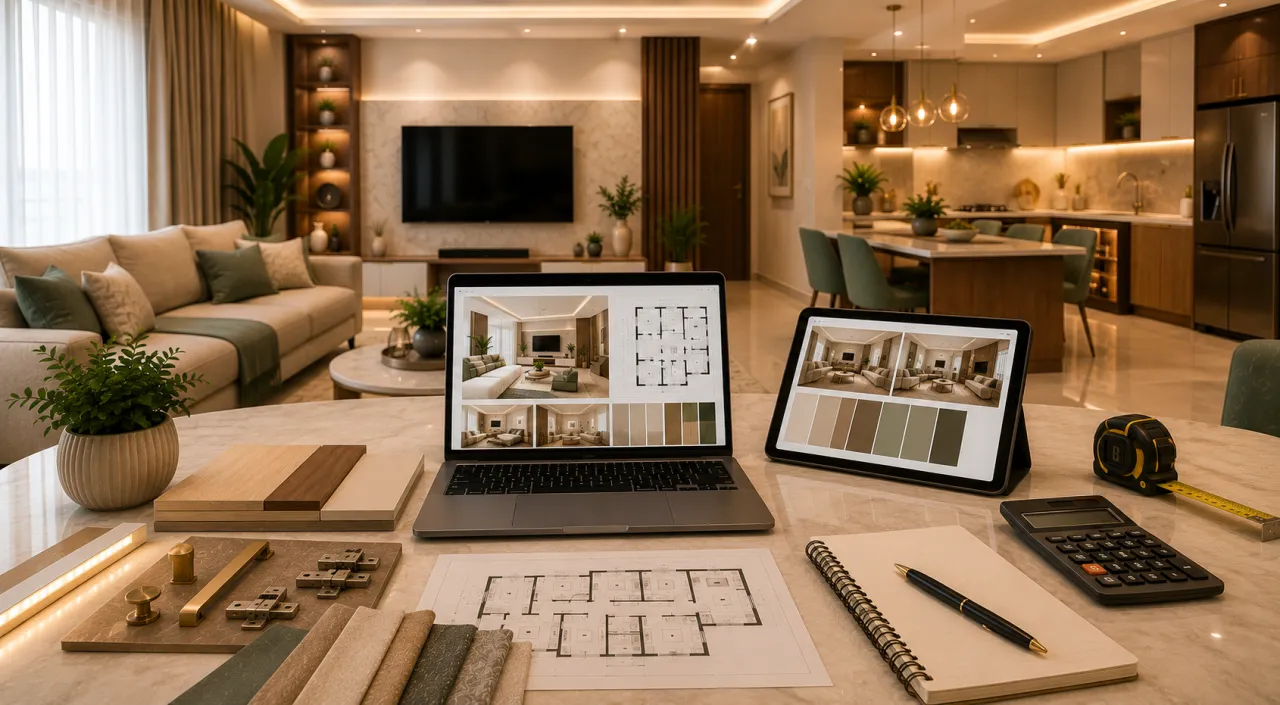
How to Use AI Before Hiring an Interior Designer: Smart Home Planning Guide
Hiring an interior designer is an important decision. A good designer can transform your home, improve space planning, suggest the right materials, manage execution, and help you avoid expensive mistakes. But before meeting a designer, many homeowners are unclear about their style, budget, room requirements, storage needs, material expectations, and quotation details.
This is where AI can help. AI interior design tools cannot replace a professional designer, but they can help you become a better-prepared homeowner. You can explore design ideas, understand your style, estimate your budget, compare requirements, check quotations, and ask smarter questions before finalising an interior designer.
This guide explains how to use AI before hiring an interior designer so that your consultation becomes more focused, your budget becomes clearer, and your final decision becomes more confident.
Why Use AI Before Hiring an Interior Designer?
Many interior projects become confusing because homeowners start with only a few reference images and a rough budget. Later, the project cost changes due to unclear scope, material upgrades, storage additions, lighting changes, and design revisions.
AI can help you prepare before meeting designers by organising your thoughts and giving you a clearer starting point.
Important: AI should be used for planning, ideas, cost awareness, and preparation. Final measurements, structural changes, execution drawings, electrical planning, and site supervision should be handled by qualified professionals.
Start Planning Your Home with AI
Use WallsToWonder to explore design ideas, estimate interior cost, analyse your requirements, and connect with interior designers near you.
Estimate Interior Cost
1. Use AI to Discover Your Interior Style
Before hiring a designer, you should know what kind of home you want. Many homeowners say they want a “modern” home, but modern can mean different things to different people.
AI can help you understand your design preference based on colours, furniture choices, lifestyle, material taste, and visual references.
| AI Style Output | What It Means | Useful For |
|---|---|---|
| Modern Minimal | Clean lines, simple furniture, less clutter, neutral colours | Compact apartments and easy maintenance |
| Contemporary Luxe | Modern look with marble, gold accents, profile lighting, premium finishes | Premium apartments and villas |
| Warm Indian Contemporary | Walnut wood, beige tones, brass accents, jaali, pooja unit, warm lighting | Family homes and practical Indian interiors |
| Scandinavian Inspired | Light wood, ivory, natural light, plants, calm decor | Small homes and peaceful interiors |
| Traditional Modern | Wooden details, carved elements, arches, Indian decor with modern planning | Renovated family homes and bungalows |
Once you know your style, you can ask designers for relevant portfolios instead of looking at random projects.
2. Use AI to Estimate Interior Budget
Budget confusion is one of the biggest reasons homeowners delay interior decisions. AI cost tools can help you understand the approximate budget range for your home before you start meeting designers.
You can estimate cost based on home size, number of rooms, modular kitchen, wardrobes, living room, false ceiling, lighting, materials, and finish level.
| Home Type | Basic Interiors | Standard Interiors | Premium Interiors |
|---|---|---|---|
| 1 BHK | ₹2.5L – ₹4.5L | ₹4.5L – ₹7L | ₹7L – ₹10L+ |
| 2 BHK | ₹4.5L – ₹7L | ₹7L – ₹12L | ₹12L – ₹18L+ |
| 3 BHK | ₹7L – ₹11L | ₹11L – ₹18L | ₹18L – ₹28L+ |
| Villa / Bungalow | ₹18L – ₹30L | ₹30L – ₹60L | ₹60L+ |
These ranges are useful for early planning. Final cost depends on city, home size, material selection, labour, furniture scope, lighting, appliances, design complexity, and execution quality.
3. Use AI to Plan Room-wise Requirements
A designer can give better suggestions when your room-wise requirements are clear. AI can help you prepare a room-wise list before consultation.
| Room / Area | Questions AI Can Help You Answer | Designer Discussion Point |
|---|---|---|
| Living Room | Do you need TV unit, shoe rack, storage, decor, false ceiling, sofa, curtains? | TV wall size, seating layout, lighting, storage |
| Modular Kitchen | Do you need tall unit, pantry, bottle pull-out, drawers, appliance garage? | Kitchen layout, materials, countertop, accessories, chimney |
| Bedroom | Do you need wardrobe, storage bed, dressing, study table, headboard? | Wardrobe size, bed size, walking space, lighting |
| Kids Room | Do you need study unit, toy storage, bunk bed, wardrobe, open play area? | Safety, rounded edges, future flexibility |
| Pooja Unit | Wall-mounted mandir or floor-standing mandir? Jaali or simple niche? | Location, lighting, storage, ventilation |
| Balcony | Seating, plants, storage, deck flooring, lighting? | Outdoor material, drainage, maintenance |
This avoids missing important requirements during the first designer meeting.
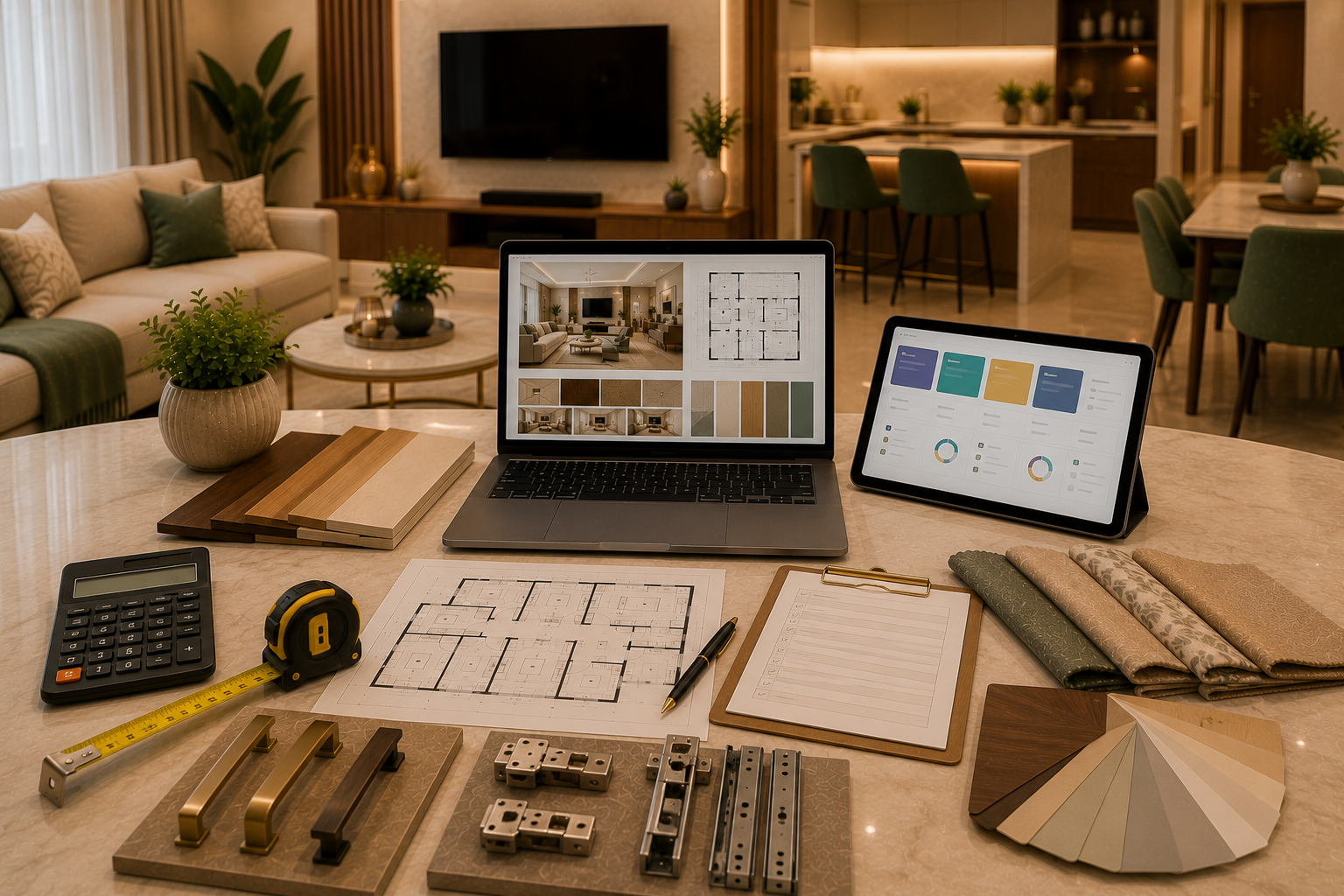
4. Use AI to Visualise Room Ideas
AI room design tools can help you visualise how a room may look in different styles, colours, furniture arrangements, and lighting moods.
For example, you can test:
- Modern living room with walnut TV unit and ivory sofa
- Minimal bedroom with storage bed and sliding wardrobe
- Compact modular kitchen with full-height storage
- Kids room with study unit and toy storage
- Pooja unit with jaali and warm lighting
- Home office corner in bedroom or living room
Design Tip: AI-generated images are useful for inspiration, but exact dimensions, materials, brands, site constraints, and execution details must be checked by your interior designer.
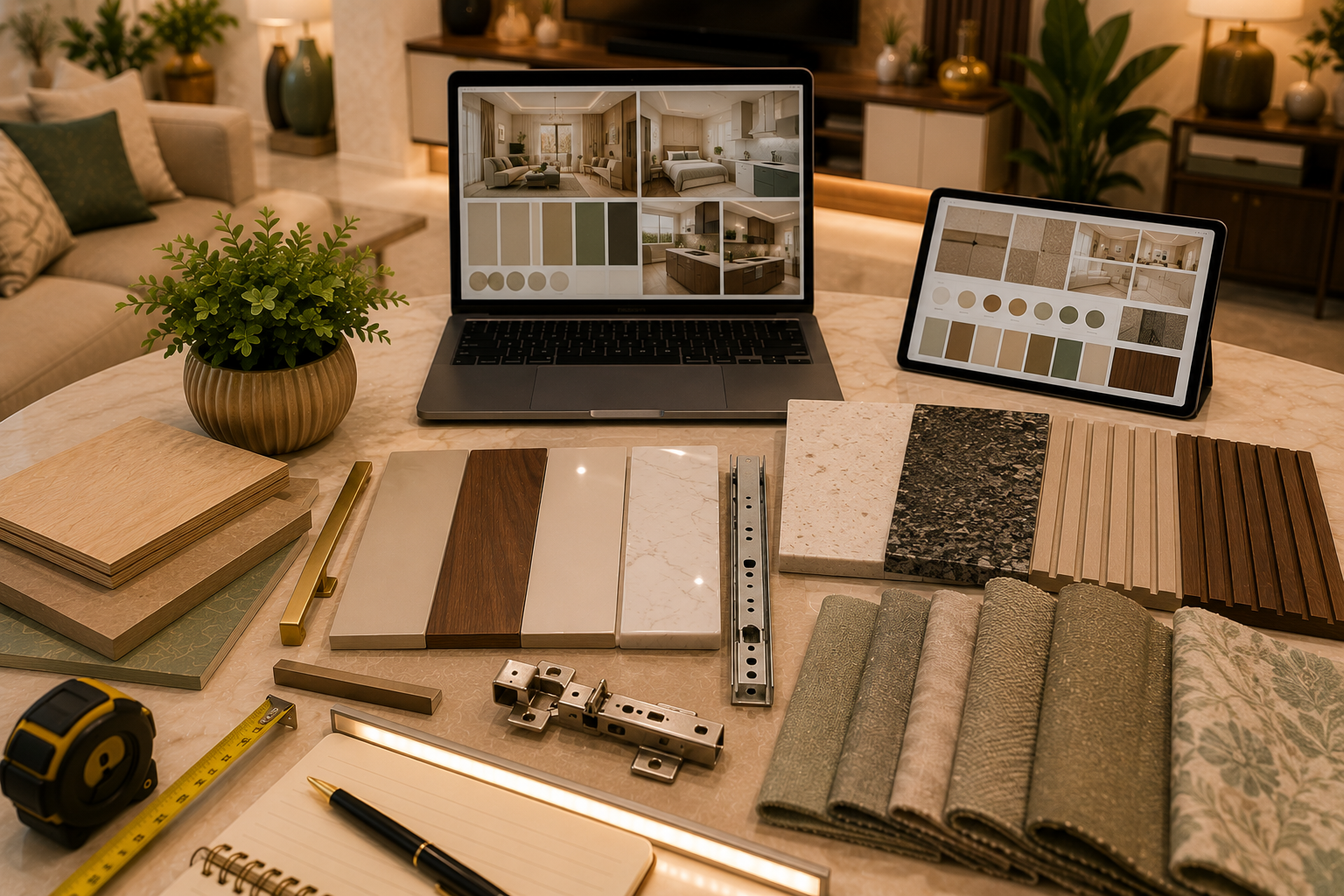
5. Use AI to Shortlist Materials and Finishes
Many homeowners get confused between laminate, acrylic, PU, veneer, HDHMR, plywood, quartz, granite, fluted panels, and stone-look panels. AI can help you understand which materials are suitable for which area.
| Material / Finish | Best Use | Planning Note |
|---|---|---|
| Laminate | Kitchen shutters, wardrobes, TV units, storage furniture | Budget-friendly and practical |
| Acrylic | Premium kitchen shutters and selected visible areas | Glossy look, needs regular cleaning |
| PU Finish | Luxury shutters, wardrobes, premium furniture | Elegant but costlier |
| Veneer | Premium TV wall, bedroom wall, luxury furniture | Natural wood look, needs care |
| HDHMR | Shutters, painted finishes, selected kitchen and wardrobe surfaces | Smooth finish and useful for modular work |
| Quartz / Granite | Kitchen countertop and vanity counter | Choose based on maintenance, durability, and budget |
| Fluted Panels | TV wall, bedroom wall, entrance accent | Use as highlight, not everywhere |
This helps you discuss material choices with your designer more confidently.
6. Use AI to Prepare Questions for Designers
A good designer consultation should not be only about looking at 3D images. You should also ask about materials, budget, timeline, warranty, workflow, execution quality, and after-service.
AI can help you prepare a designer interview checklist.
- What is included in the quotation?
- Which material will be used for kitchen carcass and shutters?
- Which hardware brand will be used?
- Are countertop, backsplash, sink, hob, chimney, and accessories included?
- Are electrical, false ceiling, painting, and lighting included?
- How many design revisions are included?
- What is the estimated project timeline?
- What warranty is provided on furniture and hardware?
- Who will supervise the site?
- What happens if the scope changes later?
Find Designers After Planning Your Needs
Once your style, budget, room-wise scope, and material expectations are clear, you can compare interior designers and companies more confidently.
Explore Interior Designers
7. Use AI to Check Interior Quotations
Interior quotations can be difficult to compare because every designer may present scope and pricing differently. One quote may include hardware, countertop, and lighting, while another may exclude them.
AI can help you review a quotation by asking:
- Is the room-wise scope clearly mentioned?
- Are material details included?
- Are dimensions mentioned for kitchen, wardrobes, and TV unit?
- Are hardware brands and quantities mentioned?
- Are countertop, backsplash, appliances, and accessories included?
- Are electrical, lighting, painting, and false ceiling included or excluded?
- Are transport, installation, GST, warranty, and timeline mentioned?
- Are there hidden exclusions that can increase cost later?
Quotation Tip: Do not compare only the final amount. Compare room-wise scope, material, finish, hardware, accessories, lighting, labour, warranty, and exclusions.
8. Use AI to Avoid Common Interior Mistakes
AI can help you create a checklist of mistakes to avoid before signing the contract.
| Common Mistake | How AI Helps | What to Confirm with Designer |
|---|---|---|
| Unclear scope | Creates room-wise requirement checklist | Final quotation and BOQ |
| Wrong budget expectation | Gives early cost range | Final city-wise, site-wise quotation |
| Too many design changes | Helps finalise style and references early | Revision policy and approval process |
| Material confusion | Explains material pros, cons, and use areas | Physical samples and brand details |
| Missing electrical points | Creates plug point and appliance planning checklist | Site electrical layout |
| Poor storage planning | Suggests room-wise storage needs | Internal drawings and dimensions |
| Quotation mismatch | Helps identify missing inclusions | Revised detailed quotation |
9. Use AI to Create a Designer Brief
A designer brief is a simple document that explains what you want. It saves time during consultation and helps the designer understand your expectations quickly.
Your AI-prepared designer brief should include:
- Home type: 1 BHK, 2 BHK, 3 BHK, villa, or renovation
- City and locality
- Family members and lifestyle needs
- Preferred style and colour palette
- Room-wise requirements
- Storage needs
- Budget range
- Timeline expectation
- Must-have features
- Optional features
- Material preferences
- Reference images or AI-generated concepts
Brief Tip: Share a clear brief with every designer you approach. This makes quotations easier to compare because all designers are quoting for similar requirements.
10. What AI Cannot Replace
AI is useful for planning and idea generation, but it cannot fully replace professional experience, site knowledge, execution drawings, or project supervision.
| AI Can Help With | Designer Must Help With |
|---|---|
| Style discovery | Final design direction based on site and lifestyle |
| Budget awareness | Accurate quotation based on measurements and material |
| Room-wise checklist | Detailed layout and furniture dimensions |
| Material education | Physical samples, brand selection, execution feasibility |
| AI-generated design ideas | Practical drawings, site coordination, installation |
| Quotation review checklist | Final commercial discussion and contract |
The best approach is to use AI for preparation and then work with a professional designer for execution.
AI Planning Checklist Before Hiring an Interior Designer
Use this checklist before scheduling designer consultations.
| Checklist Point | Status |
|---|---|
| Interior style identified | Complete before consultation |
| Budget range estimated | Complete before quotation comparison |
| Room-wise requirements listed | Complete before first meeting |
| Kitchen and wardrobe needs planned | Complete before design discussion |
| Material preferences shortlisted | Complete before material selection |
| Reference images collected | Complete before designer brief |
| Questions for designer prepared | Complete before consultation |
| Quotation checklist ready | Complete before comparing quotes |
| Must-have and optional features separated | Complete before budget approval |
| Designer brief prepared | Complete before final discussion |
How WallsToWonder Helps You Use AI Before Hiring a Designer
WallsToWonder helps homeowners plan interiors before they hire an interior designer. You can explore design ideas, estimate interior cost, understand your style, compare designers, and prepare better questions for your project.
- Use AI to discover your interior style
- Estimate interior cost before designer consultation
- Explore room-wise interior ideas
- Check your requirements before finalising scope
- Compare interior designers and companies
- Plan your home before approving a quotation
Useful Internal Links
FAQs on Using AI Before Hiring an Interior Designer
Can AI replace an interior designer?
No. AI can help with planning, ideas, style discovery, cost awareness, and checklist preparation, but a professional designer is needed for measurements, execution drawings, material selection, site planning, and project execution.
How can AI help before hiring an interior designer?
AI can help you understand your style, estimate budget, list room-wise requirements, visualise design ideas, compare quotation inclusions, prepare designer questions, and create a clear project brief.
Is AI interior design useful for Indian homes?
Yes. AI can help Indian homeowners plan modular kitchen, wardrobes, TV unit, storage, pooja unit, living room, bedroom, kids room, lighting, and material preferences before meeting designers.
Can AI estimate interior cost accurately?
AI and cost estimators can give approximate planning ranges. Final cost must be calculated by a designer or contractor based on site measurements, material selection, labour, scope, city, and execution details.
Can AI check an interior quotation?
AI can help you identify missing items, unclear scope, material gaps, hardware details, exclusions, and comparison points. However, final commercial and legal review should be done carefully before signing.
What should I prepare before meeting an interior designer?
Prepare your budget range, home size, room-wise requirements, preferred style, material expectations, reference images, timeline, must-have features, optional features, and questions for the designer.
Why should I use AI before comparing designers?
Using AI before comparing designers helps you ask better questions, compare similar scopes, understand cost differences, avoid confusion, and make a more confident hiring decision.
Final Thoughts
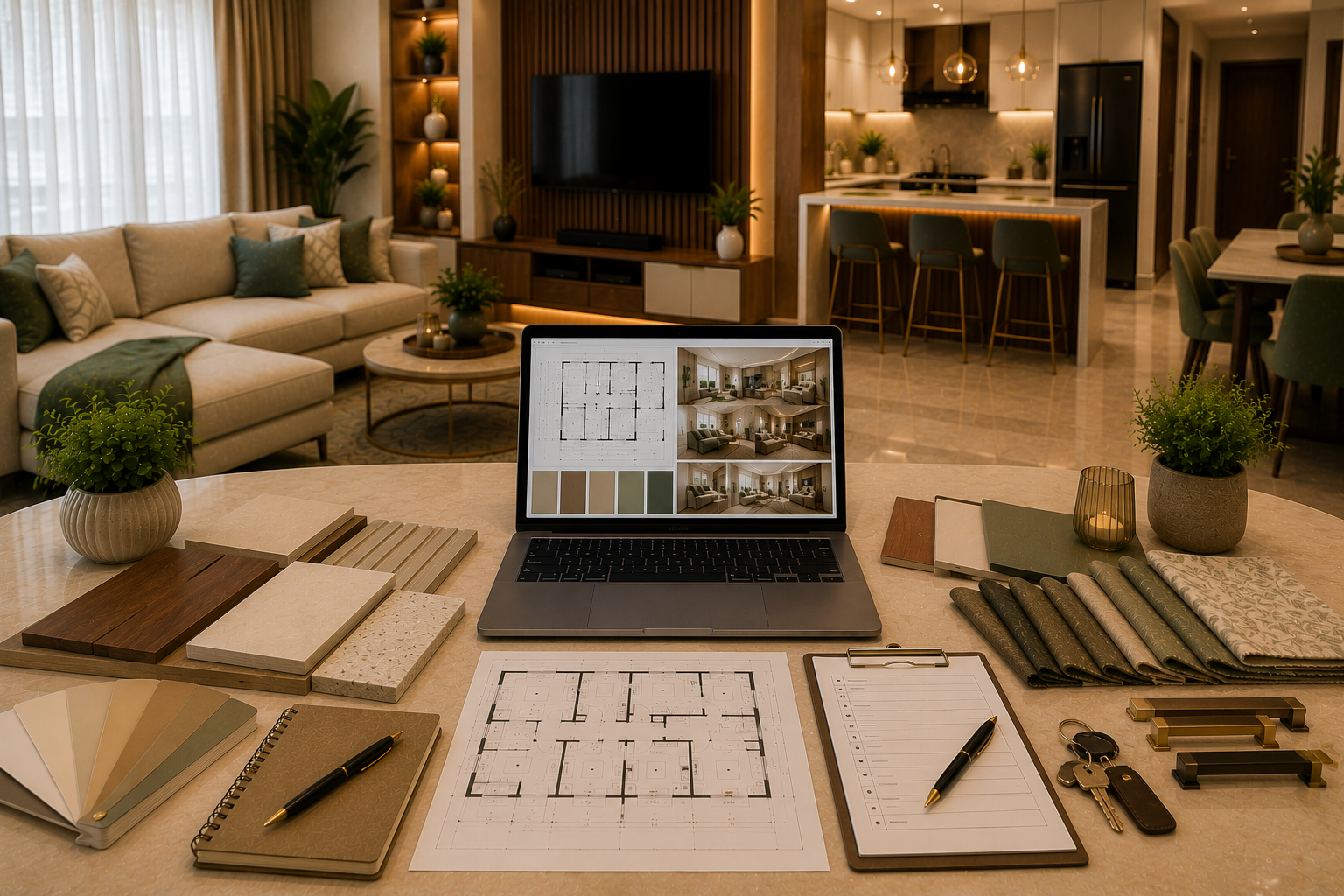
AI is a powerful planning assistant for homeowners. It can help you understand your style, estimate your budget, plan room-wise needs, shortlist materials, visualise ideas, review quotations, and prepare a clear designer brief.
But AI works best when used before hiring, not instead of hiring. Use AI to become an informed homeowner, then work with a professional interior designer to convert your ideas into a practical, beautiful, and well-executed home.
Get a personalised estimate for your home
Choose your rooms, materials and preferences to understand a practical interior budget before you commit.