
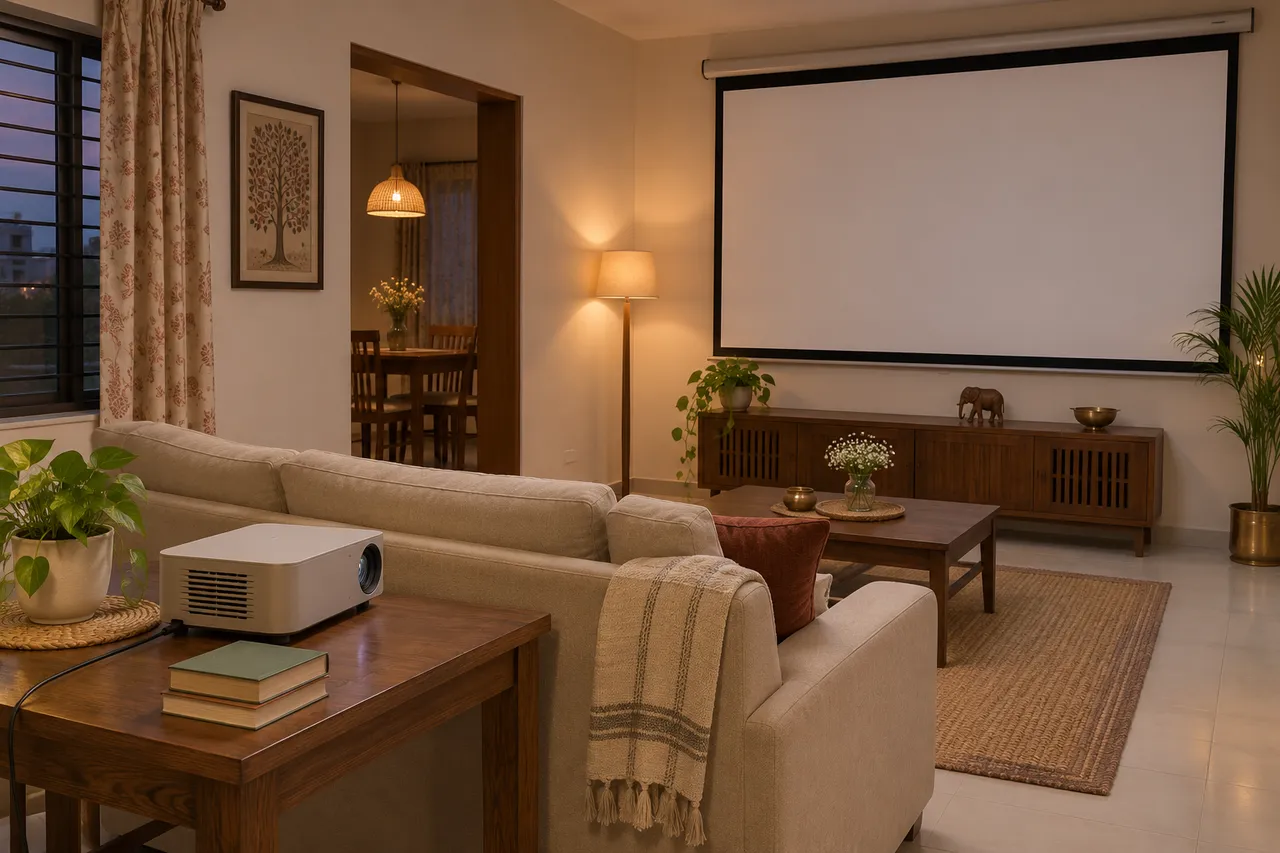
Projector or TV for a Hennur Living Room? Check Light, Placement and Installation
Compare a projector and a television against the room’s light, viewing routine and installation requirements before choosing a screen size. In a Hennur home, projection distance, mounting, cables and usable wall space can change the brief. Select real equipment and obtain an appropriate installation assessment rather than designing around a generic entertainment-room image.
Start with your Hennur property
For a Hennur living room, identify when viewing happens and what the room must do at other times. A family watching daytime television and someone planning occasional evening films may prioritise different things. Record retained seating, windows, storage and circulation. The locality does not establish room darkness, wall construction or a universal viewing distance, so measure the property and test the actual conditions.
Describe the viewing routine
List the content and devices normally used, whether the room is shared and when daylight is present. Compare what the household is willing to adjust, such as curtains or equipment setup, before recommending a projector for its apparent screen size. A television and a projected image respond differently to the installation and room. Ask the supplier to demonstrate suitable products under relevant conditions rather than choosing from bright promotional images that do not reproduce the home’s light.
Use model-specific placement information
A projector’s throw relationship and available adjustment depend on the chosen equipment and screen arrangement. Epson’s guidance and calculators illustrate why the model and intended image size matter. Do not copy a distance from another projector. A television also needs compatible support, ventilation and installation information. Have the relevant installer coordinate the complete assembly and any fixed electrical or cable work. The room concept should follow those requirements, not force an unsuitable product into a decorative location.
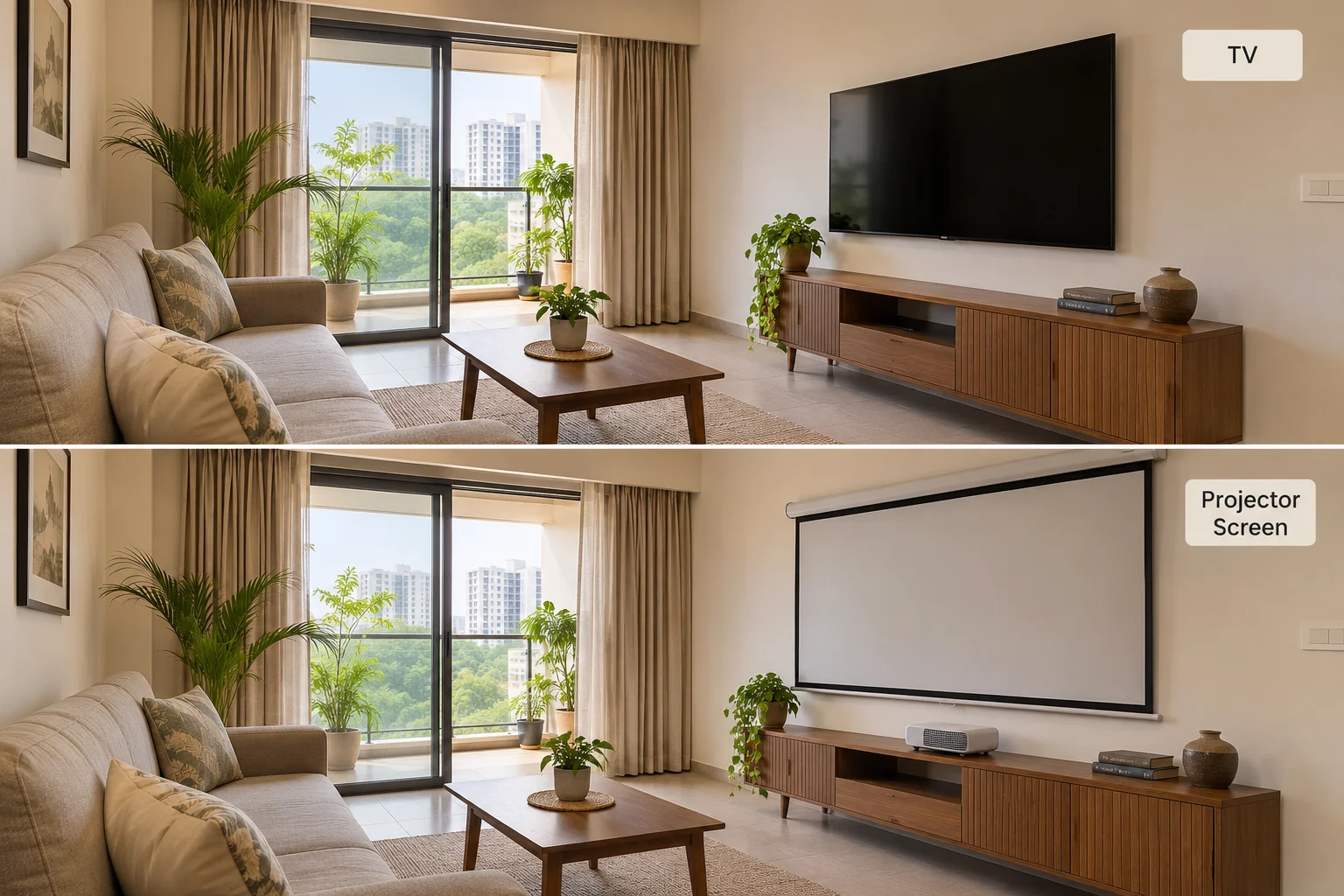
Keep the everyday room usable
Check whether a screen or equipment position conflicts with windows, doors, storage or the route through the room. Consider what happens when the system is not in use. A ceiling or wall-mounted product needs appropriate assessment and service access; a loose device needs a suitable stable location according to its instructions. Compare a modest television with a more involved projection setup if the living room has several jobs. Bigger apparent image size is only one part of the decision.
Compare the complete installed scope
List screen or display, source devices, sound requirements, mounting, connections and any room changes. Ask which elements need specialist advice and who coordinates them. Do not compare the projector retail price with the cost of a fully installed television arrangement. At handover, test the actual sources and the room conditions agreed in the brief, obtain operation guidance and retain the model and installation details for future service or replacement.
A practical example to test the decision
A homeowner selects a projector because a large image looks attractive in a reference room. Product review shows that the desired position and daytime viewing routine need a different assessment. They compare a suitable television with a specified projector, screen and light-control scope. The decision comes from the complete room and equipment requirements rather than a generic screen-size comparison.
Step-by-step planning checklist
- Record viewing times, source devices and other room uses.
- Measure the retained seating, openings and candidate locations.
- Select equipment and obtain its actual placement and mounting requirements.
- Compare the full installed scope and necessary room changes.
- Test the agreed setup and retain operating and service information.
What to put in the quotation
- Exact display or projector and any separate screen.
- Compatible mounting, connections and installation responsibilities.
- Sound or light-control work where specified.
- Demonstration, service access and making good.
Planning budget and scope
| Scope | Planning allowance or pricing method |
|---|---|
| Equipment selection | Compare exact products and included accessories |
| Installation and connections | Itemise the assessed work |
| Screen, sound and room adaptations | Separate defined scope rather than assumed extras |
This guide does not quote a Hennur home-theatre package. Equipment specifications and site work determine the budget. Compare complete proposals on the same sources, viewing goals and installation scope before treating a lower device price as a saving.
Preparation and project timing
Resolve model and placement before fixed furniture or ceiling work. Coordinate delivery, installation and any room changes. Schedule testing under the viewing conditions in the brief, not only during a convenient bright installation visit.
Before you approve the proposal
Keep the selected equipment information with the room drawing. If a supplier proposes a substitute, revisit the relevant placement and support checks before accepting it. A visually similar device may not work in the same arrangement. The useful handover record explains what was selected, where it operates and how it is maintained, helping the household discuss a later upgrade without reopening every furniture decision from scratch.
Prepare a clearer brief with WallsToWonder
Collect photographs, measurements and the choices you want to compare. Use Design My Room to explore a visual direction, then have the relevant professional check the measured layout, product requirements and work scope. Account access and current tool allowances apply; a visual concept is not a costed construction drawing.
Organise the scope with the interior cost planning tool and explore interior companies serving Bengaluru. Confirm service availability for Hennur directly and ask the firm to explain deliverables, site involvement and exclusions.
For related planning, read TV or Guests? How to Design a Living Room for Both.
Frequently asked questions
Is a projector always better for a large image?
Compare the actual model, room conditions, viewing routine and full installation scope.
Can I use any projector at a chosen distance?
No. Use model-specific placement information and the relevant supplier’s assessment.
Does an empty wall guarantee a suitable screen area?
No. Assess the surface or screen, image requirements and room arrangement.
Should mounting be decided after joinery?
Coordinate it before fixed work that depends on the equipment location.
What should a fair price comparison include?
The complete equipment, mounting, connections, screen or display and agreed room adaptations.
Further reference: Epson guide to projector throw distance and positioning; Samsung guidance on wall or stand installation.
Turn this idea into a plan for your home
Visualise your space, understand the likely budget, or find a professional who can bring the idea to life.