
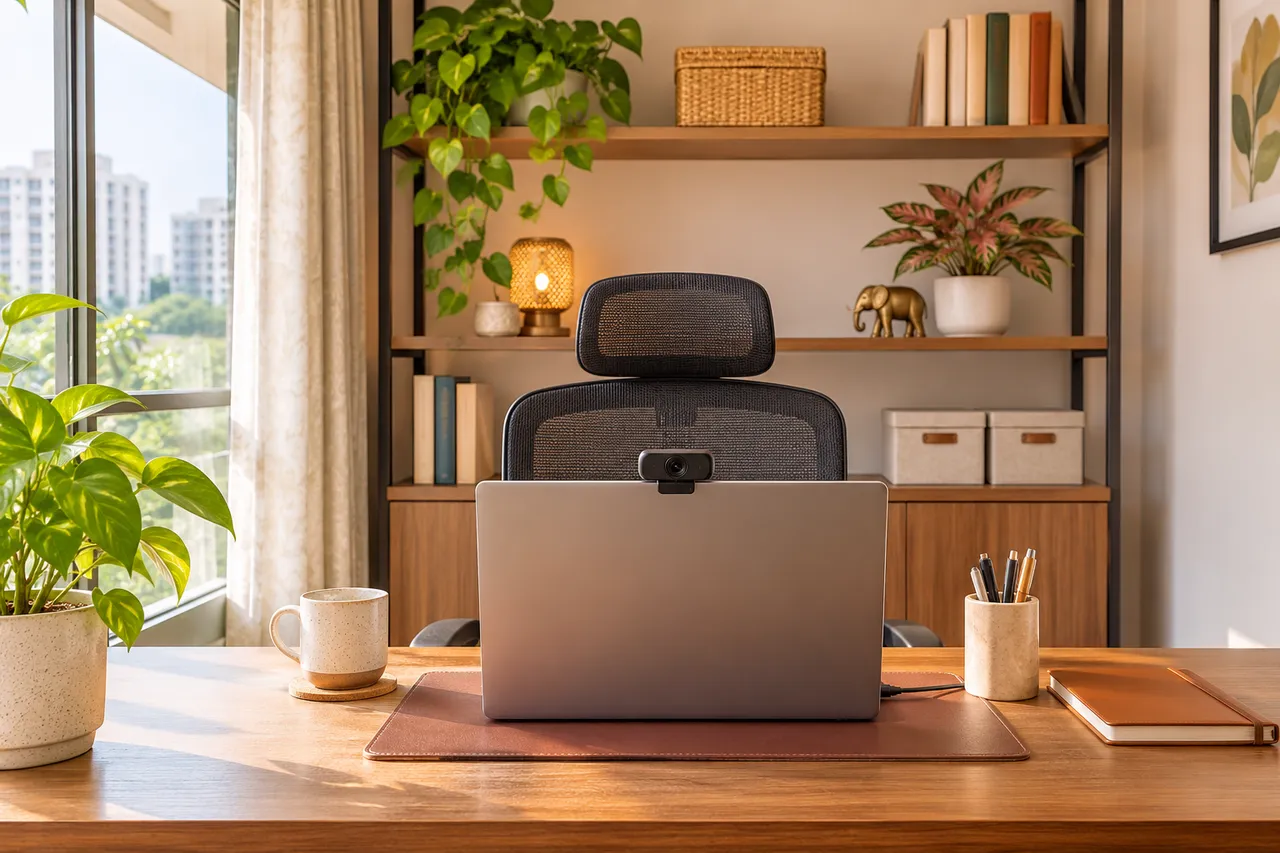
Video-Call Backgrounds for Raidurg Home Workspaces: Lighting, Storage and Camera Position
Improve a video-call workspace by testing camera position, light and the visible background before adding decorative joinery. In a Raidurg home, check the setup at the times calls happen, remove private information from view and retain a comfortable working position. A modest furniture adjustment may solve more than a new feature wall.
Start with your Raidurg property
Raidurg has a Hyderabad Metro station, but that location fact does not define a household’s job or working pattern. Start with the actual user: occasional calls, frequent client meetings or a shared work area. Note when other people pass behind the chair and whether the room must return to another use after work.
Look through the actual camera
Open a private preview or test call using the device and application normally used for meetings. Identify the visible area rather than decorating the whole room. Check the camera framing while seated naturally, and avoid a position that forces an awkward posture to stay in view. Books, papers, family photographs and screens may reveal information you did not intend to share. Clear or relocate these before deciding that more shelves are the answer.
Test light at different times
Observe daylight in the morning and later in the day if both are part of the routine. A bright window behind the user can make the face harder to see, while an intense direct lamp may be uncomfortable. Trial a softer front or side arrangement using suitable products before purchasing fixed lighting. Microsoft’s meeting guidance recommends testing the camera and lighting; software adjustments can assist, but they do not settle the room’s complete lighting design.
Keep the background useful
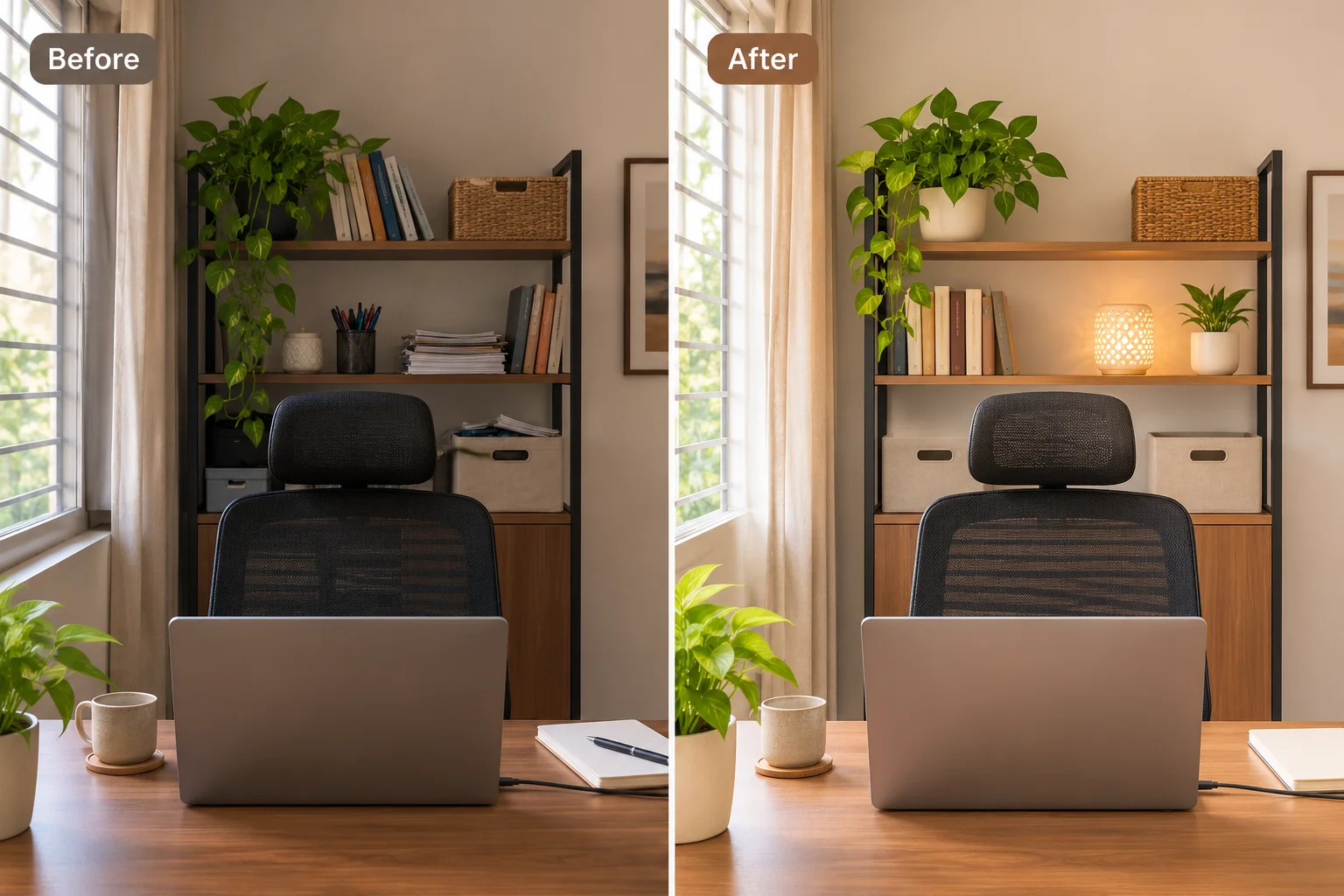
A calm wall, modest storage and a few deliberate objects may be enough. Do not build deep shelves that reduce the chair area just to create a camera backdrop. If privacy is the issue, compare repositioning the desk with the application’s available background effects. Features differ by software, account and device, so test the actual setup. A blur effect is not a reason to leave confidential documents visible elsewhere in the room.
Check the room after the call
The workspace still needs to support ordinary work, equipment storage and household movement. Check the monitor, keyboard, chair and cable arrangement together with the camera. A background that looks good but blocks a cupboard or window creates a different daily problem. Run a test meeting with audio as well as video, and separate acoustic concerns from visual decoration. Select permanent work only after these trials reveal a clear need.
A practical example to test the decision
A user plans a full decorative wall behind a desk, but a preview shows that only a small portion appears on camera. Moving the desk slightly, relocating private papers and changing a lamp position produces a clearer view. The saved floor space stays available for the chair and household storage instead of becoming a backdrop installation.
Step-by-step planning checklist
- Preview the actual camera at the normal seated position.
- Review light during the real meeting schedule.
- Remove private information and unnecessary visual clutter.
- Test furniture, equipment and supported background features together.
- Trial an ordinary workday before committing to permanent joinery or lighting.
What to put in the quotation
- Furniture changes tied to the measured room and visible camera area.
- Lighting products, controls and separate electrical installation.
- Storage required for actual work rather than decoration alone.
- Any sound-related scope assessed separately from the backdrop.
Planning budget and scope
| Scope | Planning allowance or pricing method |
|---|---|
| Reposition and reorganise existing items | ₹0–₹3,000 initial allowance |
| Selected lighting or small storage items | ₹3,000–₹15,000 initial allowance |
| Custom backdrop or fixed workspace | Site-specific quotation |
These are editorial planning allowances excluding computers, network service and major electrical work. They are not current Raidurg supplier prices. Price any specialist acoustic or fixed-lighting design separately.
Preparation and project timing
Allow tests across the times you normally meet, rather than choosing the setup from a single midday photograph. Loose changes can be phased. Fixed furniture and electrical work follow measurement, specification and installer availability; verify the finished camera view before the final decorative purchases.
Before you approve the final proposal
Keep a private reference screenshot of the final camera frame if it contains no sensitive information. It can help restore the arrangement after the desk is moved or another household member uses the room. Retest after changing the monitor, chair or light because those small adjustments can alter framing. The aim is a repeatable everyday setup, not a one-time photograph. Spend on permanent decoration only when the trial has identified a useful function that cannot be met more simply.
Prepare a clearer brief with WallsToWonder
Collect photographs, measurements and the choices you want to compare. Use Design My Room to explore a visual direction, then have the relevant professional check the measured layout, product requirements and work scope. Account access and current tool allowances apply; a visual concept is not a costed construction drawing.
Organise the proposal with the interior cost planning tool and explore interior companies serving Hyderabad. Confirm service availability for Raidurg directly and ask the firm to explain deliverables, site involvement and exclusions.
For related planning, read Shared Home Office Ideas for Gachibowli Apartments: Two Workstations Without a Spare Room.
Frequently asked questions
Do I need a feature wall for calls?
No. Start with camera framing, privacy and light; a simple background may meet the need.
Can I rely on background blur?
Test it in the actual application and device. It is an aid, not a substitute for managing private information in the room.
Should I sit with a window behind me?
Test the result. Strong backlighting can reduce facial visibility; another orientation or controlled light may work better.
Will a bookshelf improve sound?
Do not treat a visual backdrop as an assessed acoustic solution. Address sound requirements separately.
What is the best first purchase?
Complete the camera and lighting trial first. It may show that no purchase, or a small reversible change, is enough.
Further reference: Microsoft guidance on preparing for video calls.
Turn this idea into a plan for your home
Visualise your space, understand the likely budget, or find a professional who can bring the idea to life.